Security Cameras for Churches: Protecting the Building Without Losing the Welcome
· Erik Short
Quick answers
How many cameras does a church need? The count depends on the building, but the coverage list is consistent: entries, children's wing, the room where offering gets counted, mechanical/storage doors, and the parking lot.
Where should cameras never go in a church? Inside classrooms, nurseries, restrooms, changing areas, counseling offices, and anywhere the pastoral staff meets privately with people.
Who should be able to view the footage? A named, written short list (usually the facilities lead, one pastor or executive director, and the safety team lead) not "whoever has the app."
Do church camera systems require a monthly subscription? No. Locally recorded systems you own outright have no per-camera license fee; cloud-subscription platforms do, and that's a real tradeoff either way.
What's the single biggest gap we find? Weekdays. The building sits empty Monday through Thursday, and that's when the HVAC units, catalytic converters, and storage sheds get hit.
The tension nobody says out loud
A church is a strange building to secure. Three days a week it's a public square: doors propped, strangers welcome, kids running the hallways. The other four days it's an unoccupied commercial building with copper, HVAC equipment, a sound system worth more than the van, and almost nobody watching it.
And the leadership team feels a real tension about cameras. Nobody wants the lobby to feel like a bank branch. Nobody wants a first-time visitor to walk in and read "we don't trust you" off a wall.
After doing these systems around the valley, I'd put it this way: a well-designed church security camera system is almost invisible on Sunday and does most of its real work Tuesday at 2 a.m. The buildings that feel over-surveilled are the ones where someone bought a 16-camera kit and screwed them wherever a ladder reached. Placement and policy are what separate a system that feels pastoral from one that feels paranoid.
Where cameras actually earn their keep
1. The main entry: outside, at face height
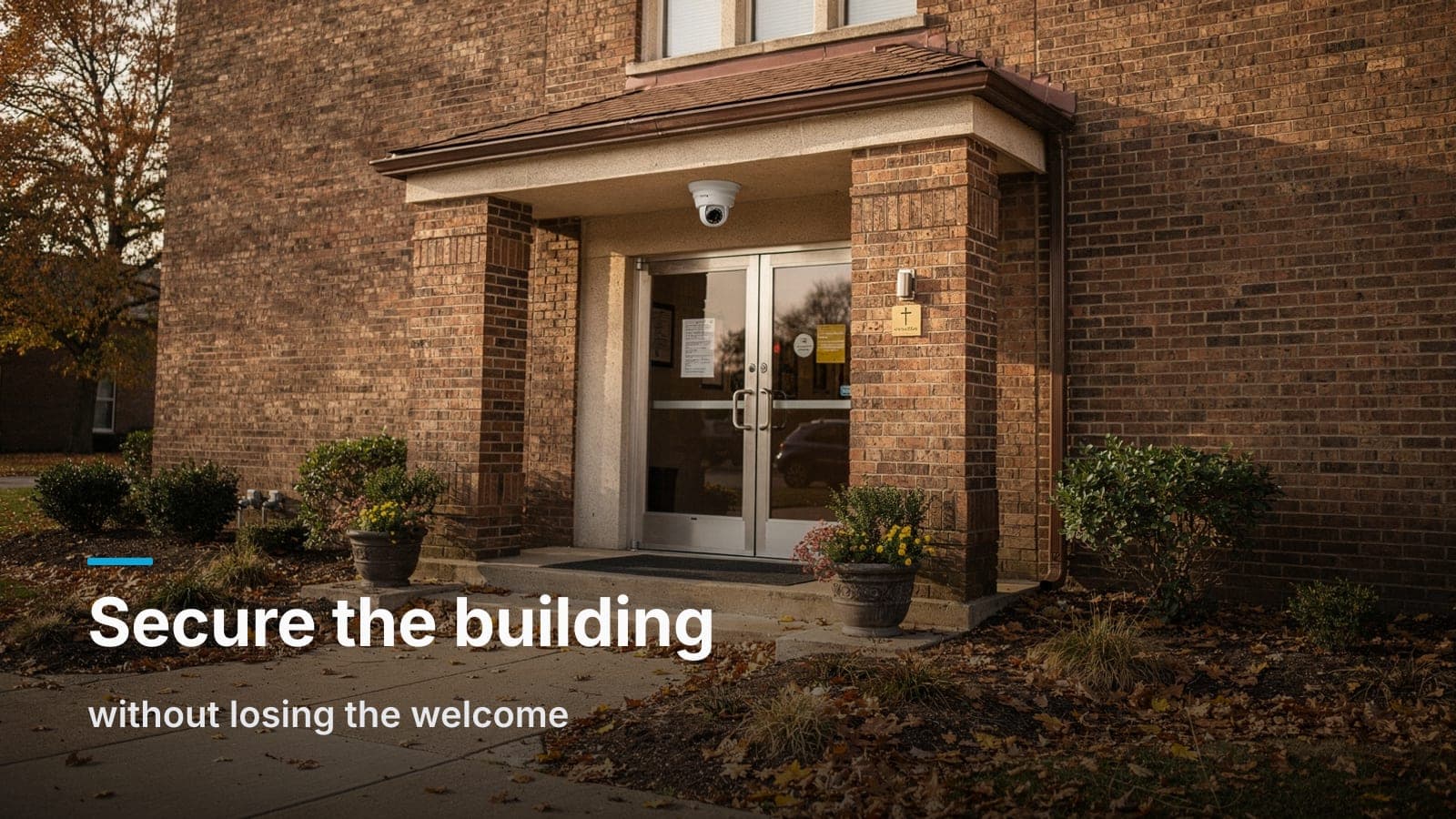
One camera outside the main doors, mounted on the portico ceiling or the wall above head height but not up in the peak. The job is a clean face shot of everyone who walks in, from roughly 7–9 feet up, looking slightly down at the approach path.
Two notes from the field. First, don't fight the sun: doors facing east or west will blow out at the exact hour you need the image, so either pick a camera with real wide dynamic range or shift the angle so you're not shooting into the glare. Second, a lot of churches mount this one far too high because the eave is convenient. From 15 feet you get a great picture of hats. We wrote more about that in the placement mistakes we keep fixing.
2. Every other exterior door
Secondary entries are where the weekday problems start. The fellowship hall door that gets propped for a delivery, the youth entrance, the kitchen door, the door to the mechanical yard. You don't need a face-ID shot on all of them. You need to know a door opened, who came through, and which direction they went.
3. The children's wing: hallways and check-in, never the rooms
This is the one that makes or breaks trust with your families. Here's the line we recommend and the one most church safety teams land on independently:
- Cameras on: the check-in desk, the hallway outside the classrooms, the stairwell or doorway separating the kids' wing from the rest of the building.
- No cameras in: classrooms, nurseries, bathrooms, changing tables, anywhere a diaper gets changed.
Hallway coverage answers the actual question a church needs answered, who walked into the children's area, were they checked in, did a child leave with the right adult. Classroom cameras don't improve child safety, but they do create an enormous liability and privacy problem, and they absolutely will cost you volunteers.
If your check-in area funnels through a single controlled door, that's also the spot where a card reader or keypad pays for itself. Our take on when that's worth it is in access control vs. keys: the math for a church with 40 volunteer keyholders is even clearer than it is for an office.
4. The counting room
Wherever cash and checks get handled after service, put a camera on the table. Not to catch anybody, to protect the people doing the counting. A volunteer treasurer who's been handling money alone for years deserves an objective record. Pair it with a two-person rule and the camera becomes a shield, not a suspicion.
Same logic for the safe and the door to the office where the deposit bag sits.
5. The parking lot
Lot coverage is where churches in Boise, Meridian, and Nampa get the most weekday value. Catalytic converter theft, car prowls during midweek programs, trailer theft, and the occasional late-night donut-spinning in a big empty lot.
Set expectations here: a general overview camera tells you a dark sedan pulled in at 1:40 a.m. It will not give you a plate at 80 feet. If plates matter (and for a church with a big lot and a recurring problem, they might) that's a dedicated camera aimed at a single lane at a specific distance. How license plate cameras actually work covers why the overview camera never does that job.
Light helps more than megapixels. A couple of well-aimed fixtures over the lot will do more for your footage than another camera will.
6. Mechanical, storage, and the AV booth
Rooftop units, the shed, the trailer, the sanctuary sound rack. These are high-dollar, low-traffic, and nobody notices they're gone until Sunday morning.
Where cameras don't belong
Be just as deliberate about this list, and write it down:
- Sanctuary seating from the front. A camera staring at the congregation during worship changes the room. If you want a sanctuary camera, put it high at the back looking toward the platform. That covers the sound booth, the instruments, and the platform exits without pointing a lens at people praying.
- Restrooms, foyers to restrooms at an angle that sees in, changing areas. Obvious, but worth the sentence.
- Counseling offices and the pastor's office. Anything with an expectation of confidentiality.
- Classrooms and nurseries. Covered above.
- Anywhere a camera substitutes for a person. A greeter who knows faces catches more than a lens does. Cameras are for after the fact.
A rule of thumb: cameras belong on circulation and assets, not on people being people.
The policy matters more than the hardware
This is the part churches skip, and it's the part that causes the actual problems. We've walked into buildings where board members, former staff, and volunteers who left long ago still had live app access on their phones.
Write a one-page video policy before the system goes in. Have the board approve it. It should say:
- What's recorded. List the camera locations by name. Publish it, in the office, not hidden.
- How long footage is kept. Pick a number and let the system enforce it automatically. For most churches, 30 days is plenty; some go 14. Longer isn't automatically better. Here's how to think about retention.
- Who can view live video, and who can pull and export a clip. Those are two different permission levels, and good systems let you separate them. Live view for the safety team lead on Sunday. Export rights for maybe two people.
- What triggers a review. Footage gets pulled for a specific reported incident, not because somebody's curious who was in the building Thursday night.
- Who gets a copy. Law enforcement on request, insurance for a claim. Not the group chat, not social media, not the Facebook page.
- Offboarding. When somebody leaves staff or the safety team rotates, their account gets removed that week. Named accounts, not one shared login. This is why a shared password is a bad idea in a church specifically. You will never know who looked at what.
A church safety team with cameras and no written policy is one bad decision away from a real breach of trust. A church safety team with a boring one-page policy on the wall has already answered every hard question a parent might ask.
Cover the weekdays, not just Sunday
Design around the whole week, not the service:
- Deliveries. Food pantry drops, AV gear, office supplies. A camera on the receiving door plus a video intercom means a part-time office admin doesn't have to walk the building to see who rang.
- Midweek programs. Youth group, AA meetings, MOPS, scout troops, ESL classes. These often run with one staff member and a lot of unfamiliar faces, after dark, in a half-lit building. Exterior door coverage and a lit parking lot matter most here.
- Outside groups and rentals. If you rent the fellowship hall, your coverage of hallways and exterior doors is what keeps a damage dispute from becoming a he-said-she-said.
- Vacant hours. This is where motion notifications on exterior cameras earn their keep. Tune them hard, though. A church that gets 200 alerts a night from a flag and a tree branch will mute the app by week two.
Doing it on a ministry budget
Churches ask us about cost earlier in the conversation than most clients do, and I respect that. A few ways to keep the number down without ending up with junk:
Don't buy cameras you don't have a question for. Every camera should answer a specific question: "who came in the kids' door," "who's at the back lot." If you can't state the question, skip it. Twelve well-placed cameras beat twenty-four random ones, and they cost less to install and store.
Reuse the cable if it's there. Lots of valley churches have old coax or early Cat5e from a prior system. Coax usually gets replaced, but existing Cat5e sometimes works fine for a modest camera count on a short run. We'll tell you on the site walk.
Phase it. Entries, kids' wing, counting room, lot overview in phase one. Fill in the secondary doors and the mechanical yard next budget year. Just run the cable and leave the drops capped while the walls are open or the lift is already rented. The cable is the cheap part, and going back later is the expensive part.
Understand the subscription question before you sign anything. This is the big one for a ministry budget.
| Locally recorded, owned hardware | Cloud-subscription platforms | |
|---|---|---|
| Ongoing cost | None per camera | Per-camera monthly or annual license |
| Who owns the video | You, on your recorder | Vendor's cloud, under your account |
| If you stop paying | Keeps recording | Cameras typically stop functioning or lose features |
| Remote viewing | Yes, through the manufacturer's app | Yes, usually smoother |
| Best fit | Single campus, tight recurring budget | Multi-campus, no local IT, central oversight |
Both are legitimate. A multi-site church with campuses in Nampa and Eagle and no technical staff may genuinely be better off with a subscription platform. The central management is worth money. A single-building congregation watching every recurring line item usually should not sign up for a per-camera fee that compounds every year for the life of the building. We dug into that tradeoff in detail in UniFi Protect vs. cloud-subscription cameras.
What we install most for churches is UniFi Protect, with cameras and a recorder the church owns outright and no per-camera license.
Ask about donated labor carefully. Someone in the congregation does IT, and that's a real asset; lean on them for the network and account management. But cable in a 1970s sanctuary attic in August, fire-rated penetrations, and plenum-space runs are a different job with code attached. A reasonable split: the volunteer owns the accounts and the policy, the contractor owns the cable and the mounts.
One more thing: the network under it all
Cameras are a network device. If the church Wi-Fi already drops during service and the office internet is a residential-grade router in a closet with the Christmas decorations, fix that first or fix it at the same time. A camera system on a bad network is a camera system that's offline the week you need it.
Run cameras on their own VLAN, keep them off the guest Wi-Fi, and make sure the recorder is on a UPS. Hardwire everything: wireless cameras at a church are a false economy. And put a quarterly 15-minute check on the facilities calendar, because the most common time to discover a dead camera is after the incident.
The short version
Point cameras at doors, hallways, money, and the parking lot. Keep them out of classrooms, restrooms, and offices where people cry. Write down who can watch and for how long, and actually remove accounts when people leave. Design for Tuesday night, not just Sunday morning. And don't take on a recurring per-camera bill unless the features genuinely earn it.
Done right, nobody visiting your church on Sunday will think about the cameras at all. That's the goal.
Frequently asked questions
Do we have to post signs saying the property is under video surveillance?
Whether signage is required is a question for your attorney. Post them anyway. For a church, signage is less about law and more about honesty. It tells families you're not hiding anything, and it's a mild deterrent in the parking lot.
Can we record audio in the hallways?
We advise against it. Audio recording has its own legal rules, so ask your attorney before turning on microphones. In a church building, where people have private conversations in hallways and foyers constantly, the risk clearly outweighs the benefit. We typically disable microphones on church installs by default.
Should our safety team be watching cameras live during service?
Usually not from a monitor in a back room. A volunteer staring at a screen is a volunteer who isn't in the lobby. The better use is a tablet or phone the team lead can check when something's reported, plus good footage to review afterward. Live monitoring makes sense for large multi-building campuses with a staffed desk.
What about cameras for livestream? Can one system do both?
No, and don't try. Livestream cameras are built for image quality, framing, and operator control on the platform; security cameras are built for wide coverage and continuous recording. They're different gear on different budgets. Keep them separate, though they can share the same structured cabling backbone.
Our building is 60 years old with plaster walls. Is this going to be a demolition project?
Rarely. Most church retrofits run cable through attic space, above drop ceilings in the education wing, and down interior walls at a few strategic points. Older sanctuaries with hard ceilings are the tricky part, and that's exactly what the site walk is for; we'd rather find the hard runs before the quote than after.
If your church board is working through a safety plan this year, we'll walk the building with you and put a fixed number on paper, request a site walk and we'll tell you what you need and what you don't.