How Long Should a Business Keep Security Camera Footage?
· Erik Short
Quick answers
- How long should a business keep security camera footage? 30 days is the standard baseline for most offices, retail, and warehouses — long enough to cover most incident reporting windows without oversizing storage.
- Who needs longer retention? Cash-heavy businesses, medical and cannabis-adjacent retail, and anywhere with workers' comp or chargeback disputes often need 60–90 days.
- What actually determines retention? Drive size, camera count, resolution, frame rate, and whether you're recording continuously or only on motion.
- Is there a law requiring a specific retention period? Generally no for most commercial businesses in Idaho, but some industries (cannabis, banking, healthcare) have specific regulatory requirements — check with your attorney or compliance officer.
- How should I save a clip after an incident? Export the original file format with a backup copy stored off the recorder, not just a screen recording of the playback.
The short answer: 30 days
If you run a typical office, retail store, warehouse, or church in the Treasure Valley and someone asks "how long should we keep our camera footage," the honest answer is 30 days. That's the point where most commercial systems land once you balance two things: how long it actually takes for an incident to surface (slip-and-fall claims, a disputed delivery, an employee dispute) against how much hard drive you're willing to buy.
Thirty days isn't a magic number — it's just the sweet spot where almost every typical incident gets reported before the footage ages out. Most slip-and-falls get reported within a week or two. Most parking lot disputes surface within days. Most internal HR issues surface fast because someone's already upset. Thirty days of buffer covers the slow reporters without forcing you into enterprise-grade storage for a stockroom camera.
But "most businesses" isn't "every business," and the exceptions are worth knowing before you set your system and forget it.
Who needs more than 30 days
A handful of situations push retention needs out to 60, 90, or even 180 days:
- Cash-handling businesses. Convenience stores, restaurants, laundromats — anywhere cash drawers get counted and occasionally come up short. Internal theft investigations often don't start until a pattern shows up over weeks of shift reports, by which point 30-day footage is already gone.
- Cannabis-adjacent retail. Even in states where cannabis itself isn't sold, dispensary-adjacent businesses, CBD retailers, and similar operations often face state-specific video retention rules that run well past general commercial practice. If you're in this space, check your specific state's regulations — don't assume general commercial guidance applies.
- Medical and dental offices. Incidents involving patients can surface during insurance review cycles that run longer than a typical slip-and-fall claim.
- Workers' comp exposure. Warehouses, manufacturing, anywhere with physical labor. Workers' comp claims can take weeks to file and longer to investigate, and having footage of the actual moment of an injury (or proof there wasn't one) is worth the extra storage cost.
- Chargeback and delivery disputes. Businesses that process a lot of card-not-present transactions or handle freight/delivery claims sometimes see disputes surface 60-90 days out, especially with commercial accounts that reconcile monthly or quarterly.
None of this is legal advice — it's general practice we see across clients in these categories. If your business has specific regulatory retention requirements, that's a conversation for your attorney or compliance officer, not your camera installer. We can build the system to hit whatever number you're told to hit; we're just not the ones who set that number for you.
Who can get away with less
On the other end, a small retail storefront with low foot traffic, a single-tenant office with a handful of employees, or a church that's only occupied a few days a week often doesn't need to stretch past 14-21 days. If your incident history is thin and your budget is tight, there's no rule saying you have to max out retention just because you can. The right number is the one that matches your actual risk, not the biggest number a spec sheet lets you hit.
How retention actually gets calculated
Here's the part most business owners never see broken down: retention isn't a setting you pick, it's a result that falls out of four variables fighting each other for the same drive space.
The four inputs:
- Camera count — more cameras, more total footage to store
- Resolution — a 4K camera eats roughly 4x the storage of a 1080p camera at the same settings
- Frame rate and recording mode — continuous 24/7 recording vs. motion-triggered recording can be a 3-5x storage difference
- Drive capacity — the physical ceiling on how much video can live on the recorder
Worked example: a 12-camera office
Let's say you're a 12-camera commercial office — a mix of entry doors, a parking lot, hallways, and a couple of interior common areas. Here's roughly how the math plays out with modern compression (H.265) on a mix of 1080p and 4MP cameras:
- Continuous recording, moderate activity: A 12-camera system at this resolution typically generates somewhere in the neighborhood of 150-250 GB per camera per month, depending on scene complexity — more movement and more lighting changes mean more data even with motion-smart compression. Across 12 cameras, that's roughly 2-3 TB per month.
- Motion-only recording: Cutting the recording to motion-triggered clips instead of continuous footage can realistically cut that number by half to two-thirds, since hallways and parking lots at 2 a.m. generate zero footage.
So for 30 days of retention on 12 cameras, you're typically looking at a recorder with 4-8 TB of usable storage, depending on how much of your system runs continuous vs. motion-only. Double your retention target to 60 days, and you're roughly doubling that storage need — which is why we size drives based on the retention number the customer actually wants, not a generic default.
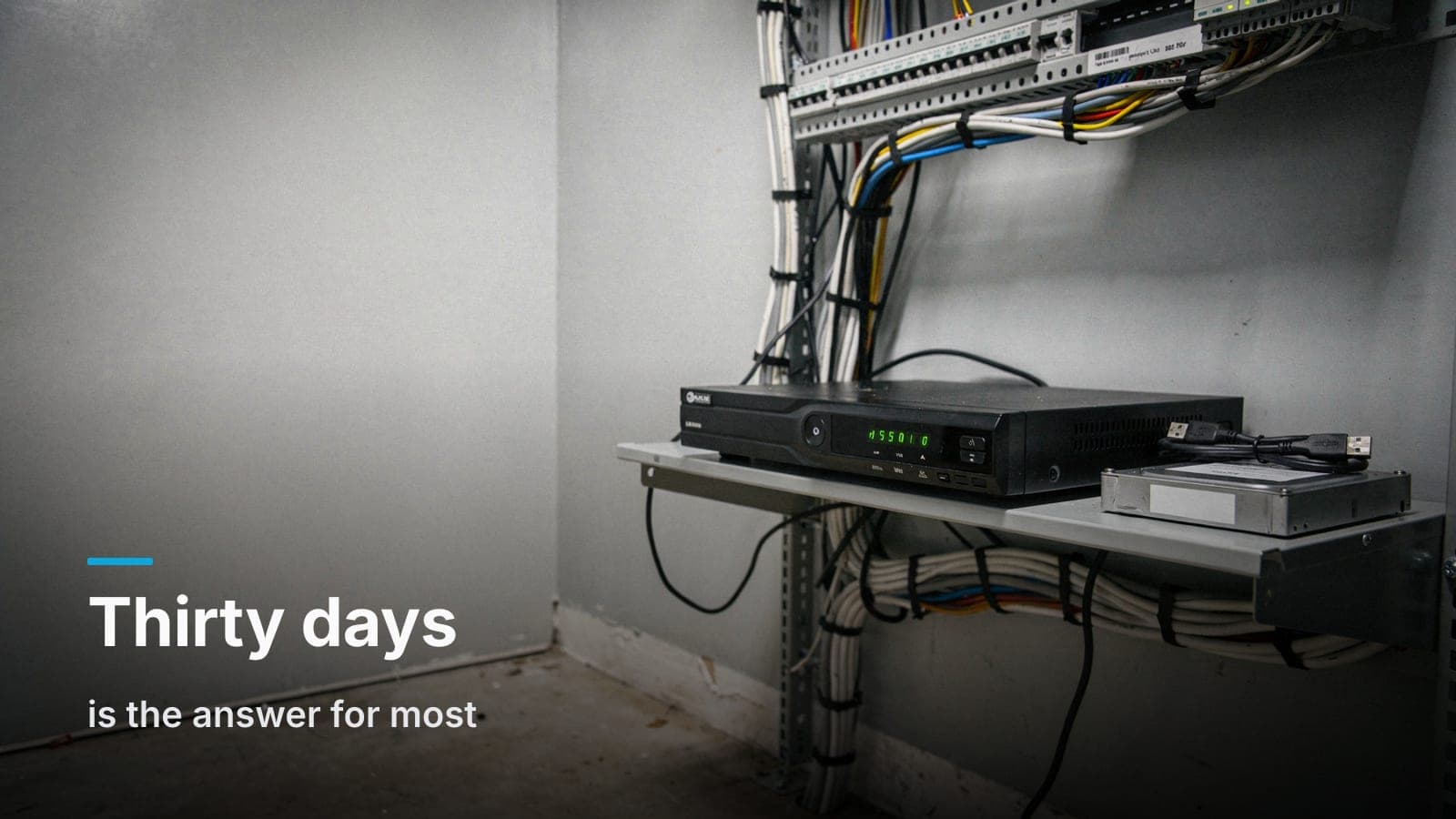
This is also where NVR vs. cloud storage becomes a real decision point. An on-prem NVR means you're buying the drive once and the math above is a one-time hardware cost. Cloud-based systems often bill per-camera, per-month, which means your retention window is tied directly to what you're willing to pay every month, indefinitely. Neither is wrong — it depends on whether you'd rather make a capital purchase or a recurring one.
One more variable worth a mention if you're shopping systems right now: we run UniFi Protect almost exclusively, partly because it stores everything on hardware you own with no per-camera cloud fee, so bumping retention from 30 to 60 days is a drive upgrade, not a new line item on a monthly invoice. If you're comparing platforms, we wrote up an honest take on UniFi Protect vs. cloud-subscription cameras that lays out where each approach actually wins.
Preserving a clip so it's actually usable later
Retention policy only matters if, when something actually happens, you export the footage correctly. We've had customers come to us months after an incident needing footage that technically still existed on a recorder — but the original export was a cell phone video of a monitor screen, or a screen recording with half the resolution and none of the timestamp metadata. Courts, insurance adjusters, and even your own attorney want the original file, not a copy of a copy.
When an incident happens:
- Export immediately, before the clip ages out of your retention window. Don't wait until you "might need it" — waiting is how footage disappears.
- Export the native file format the system generates, not a screen capture of playback. Most NVRs let you export a clip directly to a USB drive or network location in its original format.
- Grab more time than you think you need — a few minutes before and after the moment in question, not just the exact second. Context matters later.
- Store the export somewhere separate from the recorder itself — a labeled external drive, a secured network share, wherever your document retention policy already lives. Don't leave the only copy sitting on the same device that's going to overwrite itself in 30 days.
- Note the date, camera name, and incident in the filename or a simple log. Six months from now, nobody remembers which clip is which.
A system that's well-placed to begin with makes this whole process easier — if you've got gaps in coverage or cameras aimed at the wrong angle, there's no retention policy that fixes a shot that never captured the incident in the first place. We've covered that side of things in 7 camera placement mistakes we fix in Treasure Valley businesses.
Frequently asked questions
Does longer retention mean better cameras, or just bigger drives?
Just bigger drives, generally. Retention is a storage capacity question, not a camera quality question — though higher resolution cameras do eat more storage per day, which indirectly affects how much retention you get out of a given drive size.
Can I set different retention periods for different cameras?
Yes, and it's common practice. A cash register camera or a back-door entry camera might warrant longer retention than a hallway camera with low foot traffic — most commercial recorders let you set retention or storage priority per camera.
What happens to footage after the retention period ends?
On most on-prem systems, old footage is simply overwritten by new footage once the drive fills up — it's not "deleted" in a dramatic sense, it's just recorded over on a rolling basis, which is why exporting before that happens matters.
Does cloud camera storage have the same retention tradeoffs?
Cloud storage usually ties retention length directly to a monthly subscription tier, so going from 30 to 90 days is often a plan upgrade rather than a hardware purchase — worth comparing against the one-time cost of a bigger on-prem drive.
Should retention policy be written down somewhere official?
It's a good idea, especially if you're in an industry with insurance or regulatory scrutiny — a one-page internal policy stating your retention period and export procedure can matter if a legal hold or insurance claim ever comes up.
If you're not sure what retention your current system actually supports — or you're starting from scratch — request a site walk and quote and we'll size the storage to match what your business actually needs.