Video Intercoms for Commercial Buildings: Buzzing People In Without a Front Desk
· Erik Short
Quick answers
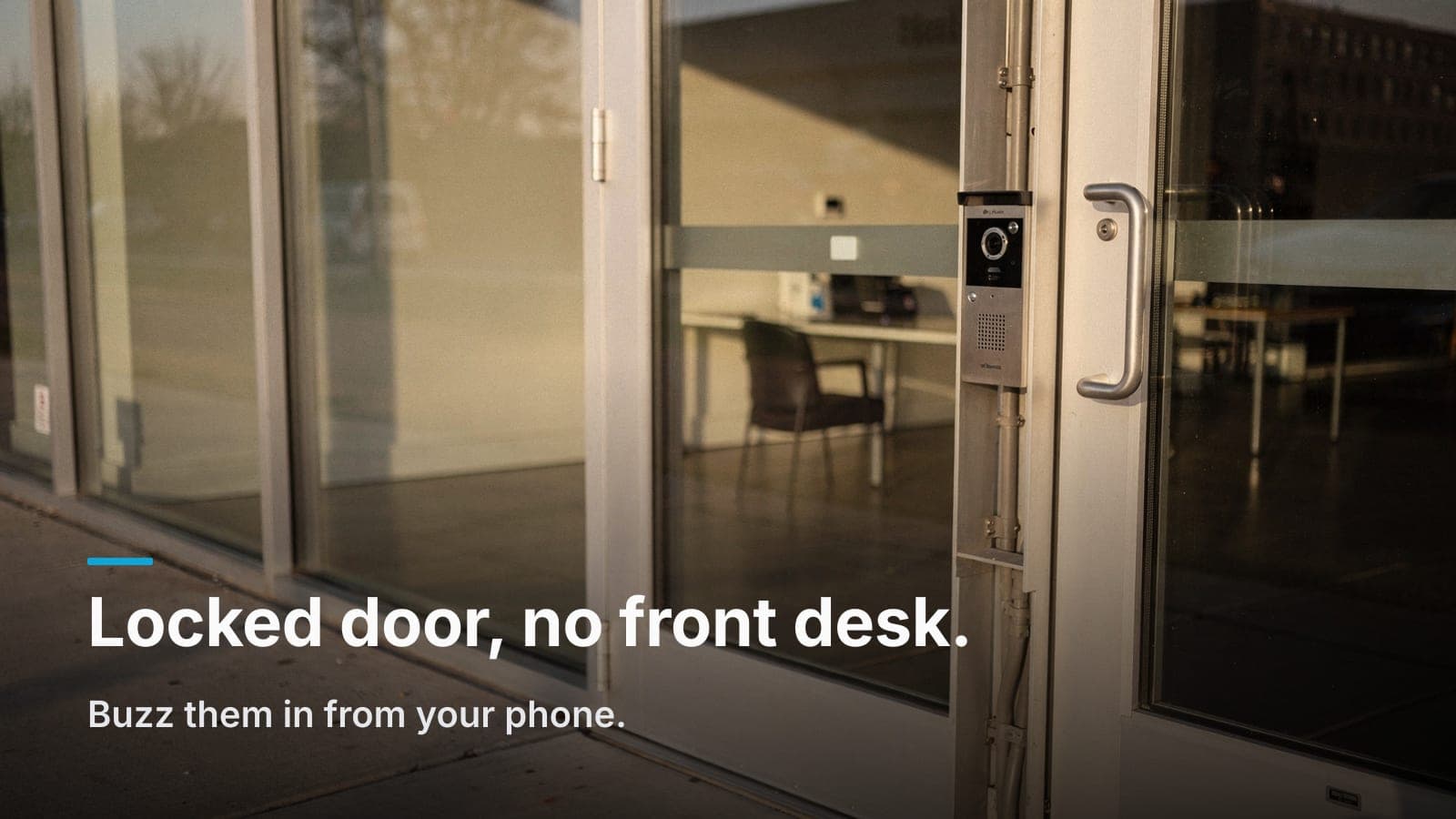
What is a commercial video intercom? A door station with a camera, speaker, and microphone that calls your phone or a desk app so you can see and talk to whoever is outside and release the door remotely.
Can it replace a receptionist with a buzzer? For most small offices and medical suites, yes. The call goes to whoever is on shift instead of to one desk that has to be staffed all day.
Is a residential video doorbell good enough for a commercial building? Rarely. Commercial doors need PoE power, a proper maglock or strike interface, and an access log. A consumer doorbell gives you none of that.
What does my existing door need? Power at the door (or a cable path to it), an electrified strike or maglock, a Cat6 run back to your network closet, and fire-code-compliant egress hardware.
Does one visitor create one record? On a single platform, yes. The door call, the door-release event, and the overview camera clip all line up on the same timestamp.
The pattern we get called to fix
It looks like this. The front door is locked all day because the suite is empty half the time, or because there's sensitive paperwork in the front room, or because someone walked in off the street last spring and that was that. So the door gets locked, and then reality arrives: UPS at 10:40, the lab courier at noon, an interview candidate at 2, a vendor with no appointment at 3:15, and a patient who's early.
The stopgap is always the same: somebody's desk gets a buzzer, or worse, a sticky note on the glass with a cell number on it. Now one employee's day is chopped into pieces by the door, and when that employee is out, the door just doesn't work.
A commercial video intercom fixes the mechanics of that. You still control who comes in. You just stop needing a body parked within arm's reach of a button.
What a modern door intercom system actually does
Strip away the marketing and a commercial-grade intercom does four things:
- Announces. Visitor presses the call button (or picks a name from a directory). The station rings a phone app, a group of phones, or a desk display.
- Identifies. You get live video and two-way audio. Wide-angle lens, near the door, at face height. You can see the badge on the polo, the clipboard, the box.
- Releases. One tap unlocks the door for a few seconds. You never leave your chair, and you don't have to be in the building at all.
- Records. Timestamped: who called, whether the door opened, and a snapshot or clip of the person standing there.
That fourth one is the part people underestimate. A buzzer under a desk produces zero evidence. An intercom tied to your access platform produces a searchable record of every entry, which matters the day a delivery goes missing or a tenant claims nobody let them in.
Intercom vs. video doorbell vs. staffed front desk
| Consumer video doorbell | Commercial video intercom | Staffed front desk | |
|---|---|---|---|
| Power | Battery or doorbell transformer | PoE over Cat6 | N/A |
| Unlocks a commercial door | No native lock control | Yes: strike, maglock, or mag-lock with REX | Manual button |
| Access log | Motion/ring events only | Full entry log tied to credentials | Whatever someone writes down |
| Multi-tenant directory | No | Yes | Human directory |
| Ongoing cost | Subscription for clip history | Typically one-time hardware; some platforms license per door | Payroll |
| Weather/vandal rating | Light-duty | Metal face, tamper and IP rated | N/A |
| Ties to camera footage | Separate app | Same timeline as the cameras | Separate system |
For a single-door coffee shop with someone always behind the counter, a video doorbell on a commercial building is not the worst thing in the world. It's cheap and it rings a phone. What it can't do is drive a maglock safely, survive a west-facing entry in July, prove who came in, or handle six tenants on one glass door. Once any of that matters, you've outgrown the hardware category.
Tying the call, the unlock, and the video together
Here's where an intercom stops being a doorbell and starts being part of a security system.
Say a package walks off from your lobby on a Tuesday. On three disconnected systems, you check the intercom app for calls, then log into the camera NVR and scrub for the right time, then ask around about who hit the buzzer. Twenty minutes, minimum, and half of it is guesswork about clock drift between systems.
On one platform, you search the door: 2:14 p.m., call from the front station, unlocked by a specific user, with the door camera clip and the lobby overview camera clip sitting on the same timeline. Ten seconds.
Two practical notes on getting there:
- The intercom camera is not your lobby camera. The station's lens is wide and close; great for faces, useless for seeing what someone did after they walked in. Pair it with an overview camera looking back at the entry from inside. We wrote about that framing problem in 7 camera placement mistakes we fix in Treasure Valley businesses, and the door area is where we see it most.
- Keep the clocks honest. Everything on the same NTP source. If your door controller and your recorder disagree by 90 seconds, correlating events becomes an argument.
We build most of these on UniFi, with the cameras, door access, and intercom station on one controller. Other platforms fit some buyers better, such as big multi-site portfolios or specs that already name a platform. For the subscription question generally, see UniFi Protect vs. cloud-subscription cameras.
Multi-tenant directories, without the headaches
Multi-tenant buildings (a medical plaza, a converted warehouse with five suites, a professional building off Eagle Road) have a specific problem: one shared entry, several unrelated businesses, and turnover.
What works:
- A scrolling or searchable on-screen directory instead of a fixed button per tenant. When Suite 203 changes hands, you edit a name in software. Engraved button labels mean a service call and a new faceplate.
- Calls ring a group, not a person. Each tenant gets a call group. Three or four phones. Whoever's free answers. This is the single biggest reason intercoms fail in practice: the call was pointed at one person who went to lunch.
- Tenant-scoped permissions. Suite 203 sees Suite 203's calls and clips. The property manager sees the common-area doors. Nobody browses anybody else's video.
- Guest PINs or one-time links for expected visitors. The cleaning crew and the lab courier shouldn't require a live human at all. Give them a credential with a schedule.
- Decide who owns the lobby door. In shared buildings this is a lease question before it's a wiring question. Get it settled at the site walk, in writing, or you'll be mediating it later.
One more: put a deliveries plan on the glass. A small sign that says Deliveries: press call, we'll be right there prevents the driver from leaving a "sorry we missed you" tag on a door with a live intercom on it.
Retrofit reality: what your existing door needs
Most of our intercom jobs are occupied retrofits, not new construction. Here's what we look at on the walk.
The cable path
A commercial intercom station wants one Cat6 run back to the network closet: PoE for power, data for video and control. That's it, if we can get there. On a glass storefront, the hard part is never the electronics; it's finding a path from the ceiling down to the door frame without cutting into a customer's finished storefront. Sometimes it's a raceway behind the door jamb. Sometimes it's a mullion with usable space. Sometimes it's a surface raceway painted to match, and we tell you that up front rather than pretending it'll be invisible.
Wireless intercoms exist. We avoid them for primary entries. A door that fails when Wi-Fi hiccups is not a door.
The lock
The intercom controls a relay; the relay drives whatever hardware is on the door. Your options depend on what's there:
- Electric strike: replaces the strike plate in the frame. Clean install on a standard door with a mortise or cylindrical lock. Needs the frame to have (or be able to have) a cutout and wire path.
- Electrified panic hardware: for storefront doors with push bars. More expensive, and usually the right call on a glass entry.
- Maglock: strong, straightforward, and the most code-sensitive. Requires proper egress hardware, such as a request-to-exit sensor and a fire alarm release. Egress and fire-code rules apply, and your AHJ or fire marshal has the final word.
- Aluminum storefront doors: very common in Treasure Valley retail. The usual answer is an electrified strike in the header or a surface-mounted solution, and it usually means door hardware work, not just low voltage. Budget for it.
Whatever you use, free egress from the inside is not negotiable. Fire code doesn't care about your visitor workflow. If a proposal doesn't mention egress or fire alarm interface for a maglock, that's a red flag.
Power and the closet
- PoE switch port with enough budget. The station and a maglock are not trivial loads.
- A UPS on the switch and the door controller. Otherwise a power blip locks staff out or leaves the door unsecured, depending on your fail-safe/fail-secure choice. Which brings us to:
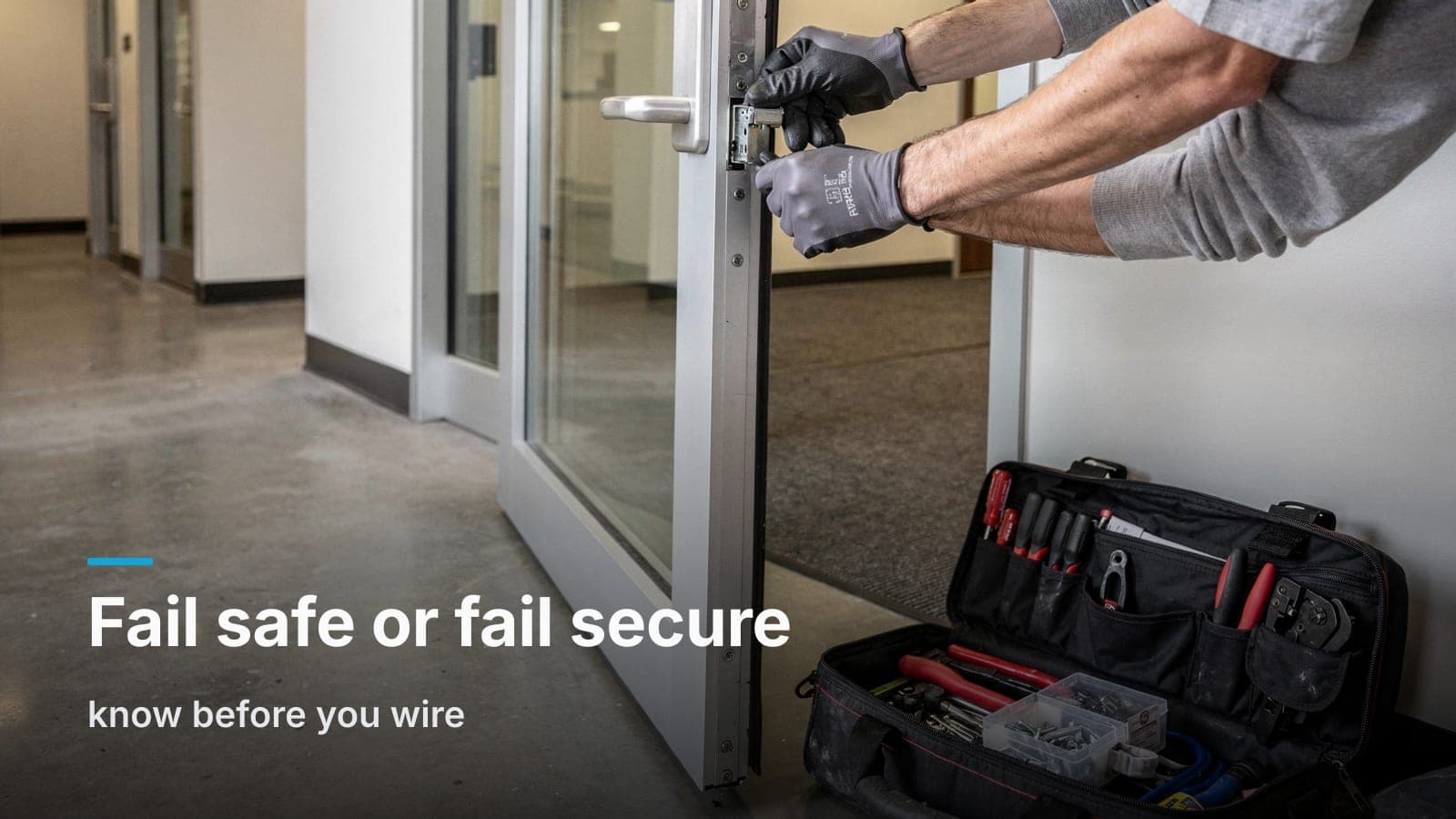
- Fail-safe vs. fail-secure. Fail-safe unlocks on power loss (maglocks work this way). Fail-secure stays locked. That's a life-safety and insurance conversation, not a preference, so confirm it with your AHJ or fire marshal.
- A door position sensor, so the log knows the difference between unlocked and actually opened, and can tell you when the door's been propped since 9:15 a.m.
Mounting
Station at roughly 48 inches to the call button for accessibility, aimed so the camera catches faces and not just the top of a delivery box. Late-afternoon sun on a west-facing entry will blow out a cheap sensor. We point the station and pick the hardware with that in mind, because a silhouette is not an identification.
When an intercom isn't the answer
Honest boundaries:
- You have a staffed desk that's always staffed and works. Then you need cameras and a log, not an intercom.
- High-volume public entry: a busy retail floor. Don't lock a door people are supposed to walk through. Solve that with cameras and a back-of-house access plan.
- One door, three employees, no deliveries. A keypad or credential reader may be all you need. If you're still on brass keys, start with the basics; access control vs. keys for a small office covers when it's worth the switch.
- A landlord who won't allow door hardware changes. Get permission before you get a quote. This is the most common reason a good intercom plan stalls.
An intercom is the right tool when you need to screen people who aren't supposed to have credentials (visitors, drivers, couriers, candidates) and you don't want a human tethered to the door to do it.
Frequently asked questions
Can the intercom ring cell phones instead of a desk phone?
Yes. Most commercial platforms ring a mobile app for a group of users, which is the point. The door works whether or not anyone is sitting at the front. Keep a physical release button inside for staff who don't carry the app.
What happens to the door during an internet outage?
On an on-premise setup, calls to devices on your local network and the unlock relay keep working; what you lose is remote answering from off-site phones. Fully cloud-managed platforms lean harder on the connection. Worth asking your integrator to spell out exactly what still functions.
Can we keep our existing cameras and just add an intercom?
Usually yes, but you give up the single-timeline benefit. If the intercom and cameras live on different platforms, you'll be correlating events by hand. Sometimes that's a fine trade to avoid replacing working cameras; we'll tell you which case you're in.
Do intercoms work on interior doors too?
They do, and it's underrated. A station at a warehouse dock door, a pharmacy window, or a back hallway that vendors use saves as many interruptions as the front door does.
How long does an intercom retrofit take?
Typically a day or two for a single door once the hardware is on site. The variable is door hardware and cable pathing, not the electronics. Multi-tenant buildings with directory setup and per-suite call groups take longer to configure than to install.
If you're locking the door and paying someone to babysit it, a site walk will tell you in about thirty minutes what your entry can support and what it'll cost.
We'll come look at the door, the frame, and the closet, and send back one fixed quote; request a site walk or give us a call.