Guest Wi-Fi for Business: Keep Customers Off Your Real Network
· Erik Short
Quick answers
- Do I need a separate guest Wi-Fi network? Yes, if you have any guest access at all — it should never share a network with your point-of-sale, cameras, or office computers.
- What's the actual fix — a separate password? No. A different password on the same network doesn't stop anyone from seeing other devices; you need a separate VLAN and SSID.
- Captive portal or just a password on the box? A simple shared password is fine for most small businesses; captive portals make sense mainly for larger venues or marketing capture.
- Can one guest hog all the bandwidth? Not if the network has bandwidth limits set per guest connection, which any modern commercial access point can do.
- Is this expensive to set up? Not really — on a decent commercial access point it's a configuration choice, not an extra piece of hardware.
The sin we see constantly
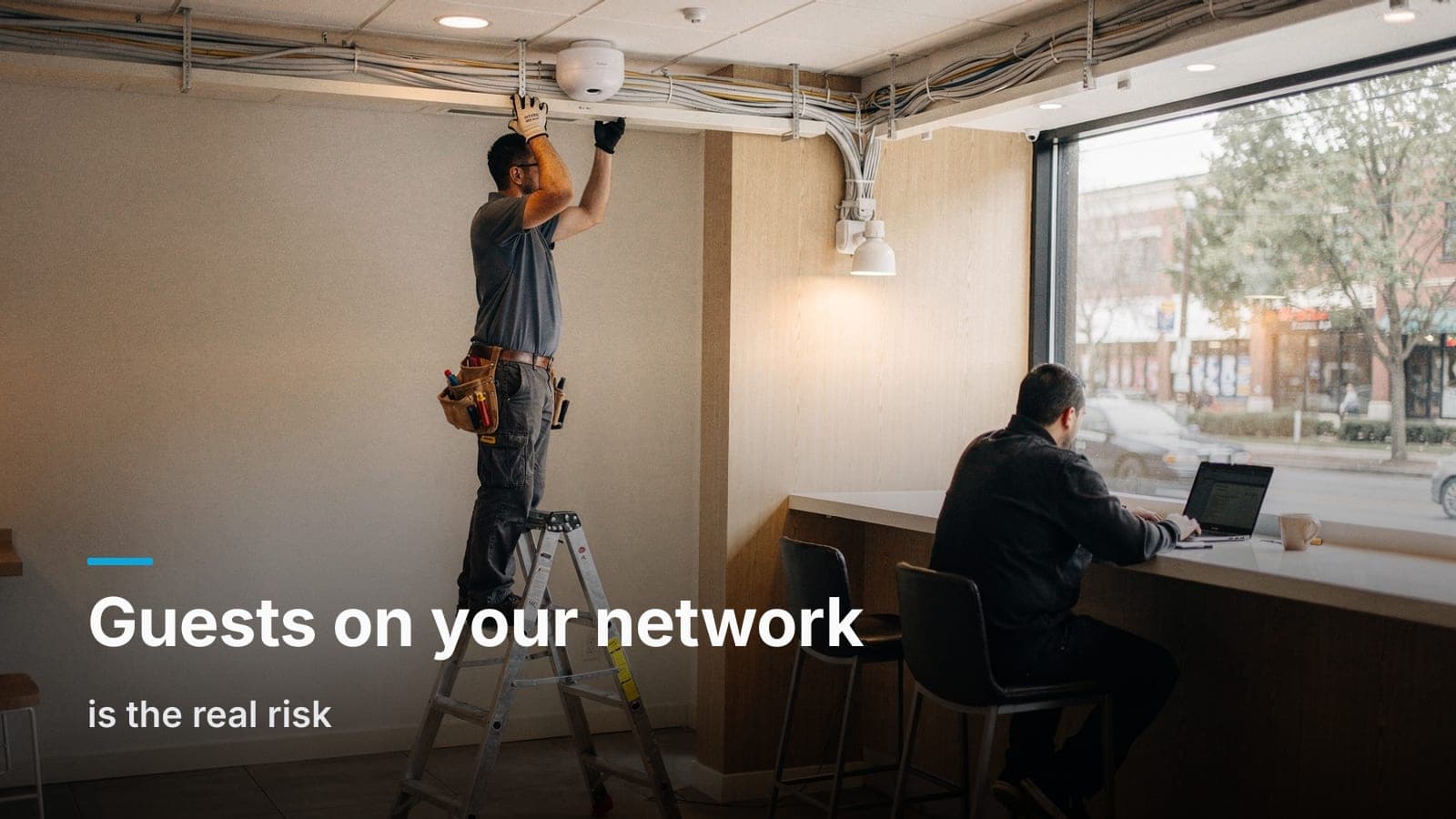
Walk into a lot of small businesses in the Treasure Valley and ask how guest Wi-Fi works, and the honest answer is usually: "we just give them the office password." That means a customer sitting in your lobby, a vendor waiting for a meeting, or a patient in your waiting room is sitting on the exact same network as your point-of-sale terminal, your security cameras, your file server, and whatever office PCs happen to be on Wi-Fi that day.
Nobody did that on purpose. It happened because setting up Wi-Fi the easy way means one router, one network, one password, and nobody circled back to fix it once the business grew past a handful of devices.
The risk isn't theoretical. Any device on the same network can, with the right tools, see and sometimes reach other devices on that network. That's not a knock on your customers — most of them aren't trying anything. But you don't need malice, you just need one compromised laptop, one bad app, or one curious kid to turn a guest device into a problem on the same network as your card reader. If your business takes payments, this is also squarely the kind of exposure a PCI assessment will flag, and your merchant processor or card brand agreement may have real requirements here — that's a conversation for whoever handles your PCI compliance, not something to guess at.
What a real guest network actually is
A proper guest Wi-Fi setup has two pieces, and neither is complicated on the right equipment:
A separate SSID. The guest network shows up as its own Wi-Fi name, distinct from whatever your staff and point-of-sale devices connect to.
A separate VLAN. This is the part that actually matters. A VLAN (virtual LAN) is a logical wall inside your network. Guest traffic gets tagged and routed so it can reach the internet but can't see or touch your internal devices — no cameras, no POS, no office shares, no printers. Same physical switch and access points, completely separate traffic.
Without the VLAN, a separate SSID is cosmetic. It makes the Wi-Fi list look tidy but does nothing for isolation. The VLAN is the actual guest network for business purposes; the SSID is just how people find it.
If your building already has structured cabling and a rack doing real work, this is a natural add-on to that design rather than a separate project — it's one more reason the underlying network matters more than people think. We've written about what causes office Wi-Fi dead zones and that same design pass is usually where guest VLANs get added correctly the first time.
Captive portal vs. a simple password
Once the network is actually separated, the next decision is how people get on it.
A posted password. Simple, low-friction, and honestly correct for most small businesses — offices, medical waiting rooms, small retail. You put the Wi-Fi name and password on a card or a small sign, people type it in, done. No app, no email capture, nothing to maintain.
A captive portal. This is the landing page you hit at a coffee shop or airport before you get online — click to agree to terms, maybe enter an email, maybe watch an ad. It's genuinely useful if you want to collect marketing emails, show legal terms, or control access in a higher-traffic venue like a large lobby or a multi-tenant building. It's also more to maintain and more decision-making for a customer who just wants to check email for five minutes.
For a café, a waiting room, or an office lobby, we'd usually point you toward the simple password. Save the captive portal for places where the extra step buys you something — marketing, legal coverage, or access control in a space with real public traffic.
Bandwidth caps: the part everyone forgets
Here's the scenario that actually bites people: a guest network gets set up correctly — separate VLAN, separate SSID, all isolated — and then one customer parks in the corner and starts streaming video for three hours while your point-of-sale internet connection crawls to a halt.
Isolation solves the security problem. It does nothing for the performance problem. A guest network sharing your business's internet connection needs a bandwidth cap per client, not just a cap on the whole guest network. Most commercial access points let you set a per-device limit — a few megabits down and up is usually plenty for someone checking email or browsing while they wait, and it keeps any single device from starving the rest.
This matters more than people expect in a café or any business where guest Wi-Fi gets real daily use. If the counter's card reader and the guest network pull from the same connection, a single determined streamer can become a real problem at the worst possible moment — mid-transaction, with a line of customers.
The light-touch liability basics
This isn't legal advice — for actual terms-of-service language, acceptable use policies, or liability questions specific to your business, that's a conversation for your attorney. But a few practical habits are worth mentioning:
- Most captive portal tools let you require a click-through agreement before granting access. Even a simple one is a reasonable practice if you're offering public Wi-Fi.
- Keep guest Wi-Fi logically and physically separate from anything handling payment data. If you ever go through a PCI review, this is one of the first things assessed.
- Content filtering (blocking obviously inappropriate categories) is a feature worth turning on if your guest network sees general public traffic, not just known customers or vendors.
Those are operational choices, and the right answer depends on your business and your risk tolerance. The technical half — isolation and bandwidth control — is where we can tell you definitively what's right.
Where UniFi makes this a checkbox, not a project
This is one of the areas where a unified ecosystem actually pays off instead of just being a sales pitch. On UniFi gear, creating an isolated guest network with its own VLAN, SSID, bandwidth limits, and optional captive portal is a handful of settings in one app — not a separate purchase, not a separate vendor, not a multi-week project. If your access points and switches are already UniFi, guest Wi-Fi is something we turn on during a site visit rather than something that needs its own line item and its own hardware.
That's not true of every platform. Some consumer routers make VLANs painful or impossible. Some commercial systems handle it well but require licensing or a controller most small businesses never knew they needed. If you're deciding on a platform from scratch, it's worth reading through our honest comparison of UniFi Protect against subscription camera platforms for a sense of how we think about ecosystem trade-offs generally — the same logic applies to networking gear.
When you actually need this
Not every business needs a dedicated guest Wi-Fi setup. A small office with no visitors beyond the occasional vendor meeting can often get by without one, as long as staff aren't handing out the real password. But you should have one if:
- You run a café, restaurant, or retail space where customers expect Wi-Fi.
- You have a waiting room — medical, dental, auto service, professional office — where people sit for more than a few minutes.
- You host vendors, contractors, or visiting staff regularly who need internet but no business reason to touch your internal network.
- You've ever handed out your "real" Wi-Fi password to someone who isn't an employee. If that's happened, you already need this.
Frequently asked questions
Does guest Wi-Fi slow down my main network?
Not if it's set up correctly with bandwidth limits and proper VLAN separation — guest traffic gets its own lane and a cap, so it can't crowd out your point-of-sale or office systems.
Can I track who's using my guest Wi-Fi?
Basic connection logs are usually available through the access point's management software. If you need more — like email capture or usage history tied to an identity — that's what a captive portal is for.
Do I need new hardware to add a guest network?
Usually not. If your existing access points support VLANs and guest SSIDs (most commercial-grade equipment does), it's a configuration change. Older consumer-grade routers are the main exception.
Should guest Wi-Fi reach my security cameras or smart devices?
No. Cameras, access control, and any IoT devices should stay on their own internal VLAN, isolated from guest traffic the same way your POS and office PCs are.
What about multiple guest networks for different areas, like a lobby vs. a conference room?
That's doable and sometimes worth it for larger buildings with different access needs, but for most small businesses one well-isolated guest network covers it.
If your guest Wi-Fi is really just a password taped to the register, get in touch and we'll walk the building and give you a straight answer on what it'd take to fix it.