Access Control vs. Keys: When a Small Office Should Finally Make the Switch
· Erik Short
Quick answers
Is access control worth it for a small office? Usually yes once you hit two or three exterior doors, 15+ people, or your second re-key in two years. The hardware pays for itself in avoided locksmith calls and saved admin time.
What does a door access system cost? It depends mostly on your door hardware, your cabling path, and whether the platform charges per door. A quote should itemize the controller, readers, power supply, door hardware, cabling, and commissioning, and it should be fixed after a site walk.
Badges, PINs, or phone unlock, which is best? Badges for most staff, PINs as a backup or for shared/low-risk doors, phone unlock for managers and anyone who forgets a badge weekly.
What happens in a power outage? Properly designed doors fail to a known state, usually fail-secure with free mechanical egress from inside, and the controller keeps running on battery backup for hours.
Do I still need physical keys? Yes, one set. Every access-controlled door keeps a mechanical override for the fire department and for the day something breaks.
The moment keys stop working
Nobody wakes up wanting an access control system. They wake up to a trigger.
An employee leaves badly, and you're not sure whether they returned the key to the back door or the copy they had made at the hardware store two years ago. Somebody loses the master. The cleaning crew changed companies and now four people you've never met have a key to the building at 9 p.m. You sublease the back half of your suite and suddenly your tenant's people need the front door but not your server closet.
That's the pattern we see in Treasure Valley offices. The decision isn't made on a spreadsheet. It's made the week after something happens. Fair enough. But it's worth understanding what keys actually cost you before the incident, so you can make the call on your own schedule instead of a locksmith's.
Keys vs. access control, compared
| Mechanical keys | 2–4 door access system | |
|---|---|---|
| Add a person | Cut a key, hand it over | 30 seconds in an app |
| Remove a person | Collect key, hope no copies exist | Delete credential, instant |
| Lost credential | Re-key affected cylinders or whole building | Deactivate, issue new badge |
| Who opened the door at 6:40 p.m.? | No idea | Timestamped log |
| Schedules | None: a key works 24/7 | Doors auto-lock/unlock by time and day |
| Up-front cost | Very low | One-time hardware + install |
| Ongoing cost | Locksmith calls, key admin, unknowns | Little to none, or a per-door license depending on platform |
| Fails when | A key walks out the door | Something you can service, and mechanical override still works |
Keys are not stupid. For a five-person office with one door and no turnover, keys are the right answer and anybody telling you otherwise is selling something. The math changes as doors, headcount, and after-hours traffic go up.
The real lifecycle cost of keys nobody adds up
Here's what actually gets spent on a keyed building over five years. I'm not going to invent numbers for your market, but you can price these yourself in about ten minutes with a phone call to any local locksmith:
- Re-keying events. Every departure with an unreturned key, every lost master. For a keyed-alike building, that's every cylinder in the system, not just the one door. Multiply by however many times it happens.
- New keys cut. Small each, constant. Plus the ones cut without your knowledge: restricted keyways help, standard hardware-store blanks don't.
- Admin time. Somebody in your office is tracking who has which key on a spreadsheet, chasing returns during offboarding, and driving over to let the HVAC tech in on a Saturday. That's real payroll.
- The propped door. This is the big one and it never shows up as a line item. When getting in is annoying, people solve it themselves. A rock in the back door, a key hidden in the electrical panel, the exterior door left on the latch during deliveries. Most keyed buildings I've walked have at least one of these.
- Insurance and lease exposure. Some carriers and landlords care about documented access control for certain kinds of tenants. Worth a phone call to your insurer and your landlord.
Against that, an access system is mostly a one-time hardware and labor number with very little recurring cost, if you choose a platform that doesn't charge per door per month. Some do. Some don't. Ask directly.
Sizing it for a 10–50 person office
You don't need an enterprise system. You need controlled doors on the openings that matter and honest mechanical locks on the rest.
Doors worth controlling, in order:
- The main entry. Auto-unlock at 7:30 a.m., auto-lock at 5:30 p.m., badge access outside those hours. This one change eliminates most of your "did someone lock up?" anxiety.
- The back/employee door. This is where keys leak and where doors get propped. Add a door position sensor so you get an alert when it's held open.
- The one interior door that matters. Server/IT closet, records room, pharmacy, inventory cage, the office where checks are printed.
- Suite doors in a shared or sublease situation. Separate credential groups, no shared keys, clean lines.
Everything else (supply closets, restrooms, individual offices) stays keyed. Controlling a door you don't need to control is just spending money to add a failure point.
A typical small-office job is two to four openings, a small controller in the IT closet or on the wall of a back room, a reader at each door, and a network drop to the controller. If your building already has a decent network and a rack, you're most of the way there. If it doesn't, that's a separate conversation, and the cabling that access control rides on is the same infrastructure your cameras and Wi-Fi need anyway.
Badges vs. PINs vs. phone unlock
You'll probably use two of the three. Here's how they actually behave in the field:
Badges and fobs. Still the workhorse. Cheap to issue, fast to use, and everyone already knows how. Downsides: they get shared, they get left in the other coat, and cheap legacy 125 kHz cards can be cloned with a device that costs less than dinner. If you're buying new, spec encrypted 13.56 MHz credentials, not the old proximity cards. If your building already has old cards, most modern readers will read both during a transition.
PIN codes. Great as a backup credential and for doors where you occasionally need to give a contractor temporary access. Bad as a primary method for a whole staff, because codes get written on sticky notes and shared with the whole world. Codes also get shoulder-surfed. Use PINs where a shared code is genuinely fine (a break room door, an interior storage room) or as the second factor on a high-value door.
Phone unlock. Bluetooth or NFC credential in a mobile app. The best experience for people who carry their phone everywhere and constantly lose badges, which is most managers. It also means an offboarded employee loses access the second you revoke it, no physical item to chase. Downsides: dead battery, employees who don't want a work app on a personal phone, and some platforms charge for mobile credentials. Ask about that in the quote, not after.
What we usually land on: badges for general staff, mobile for owners and managers, one PIN on the back door for the cleaning crew that gets rotated when the crew does.
What happens when the power goes out
This is the question that makes people nervous, and it should be a boring answer.
Egress is never electronic. In a code-compliant install, you can always get out from the inside by pushing on the door or hitting the crash bar. No power, no credential, no exception. Free egress is a life-safety matter, not an option. Egress and fire-code rules apply, and your AHJ or fire marshal has the final word.
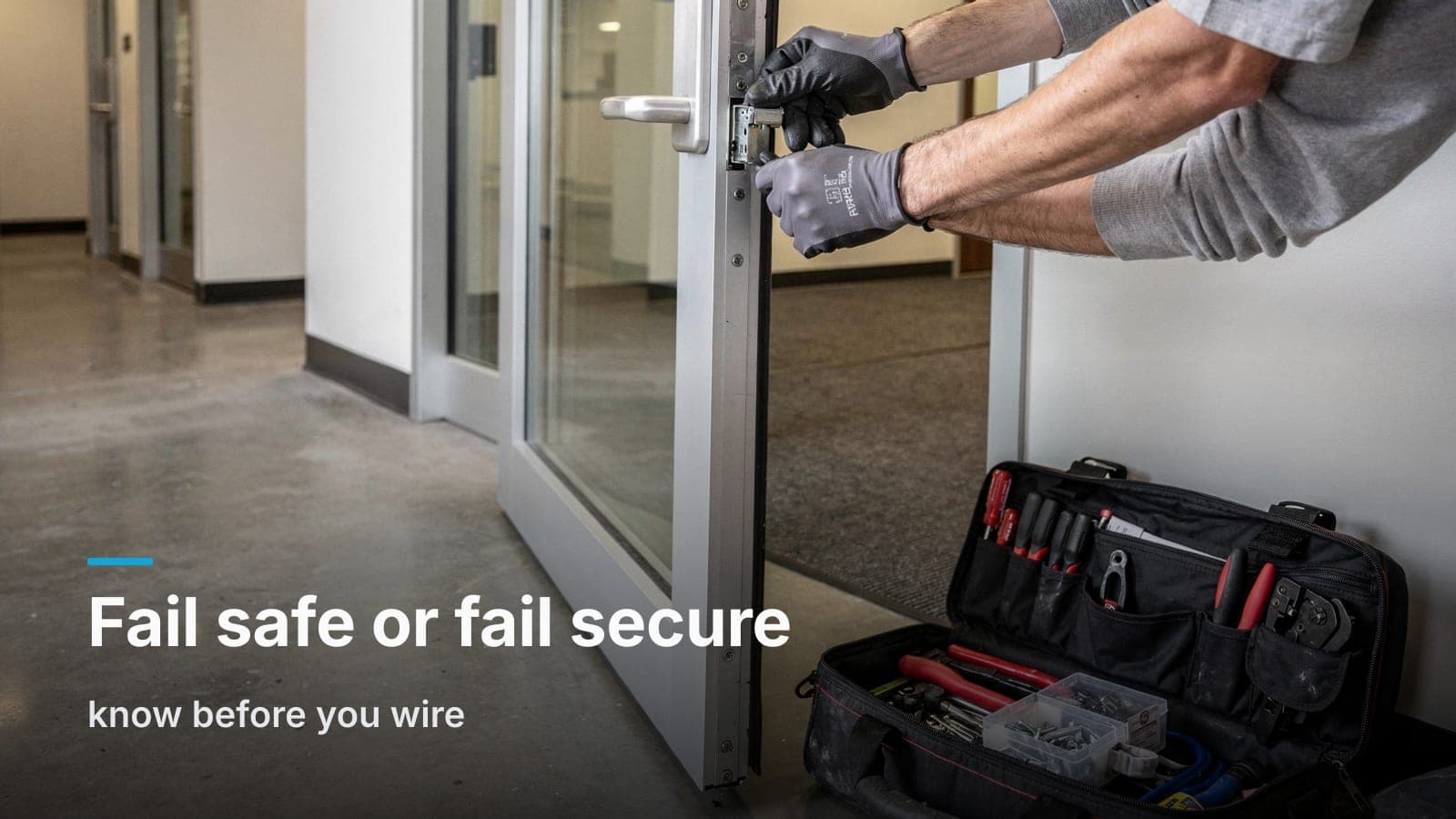
Doors have a defined fail state. Fail-secure strikes stay locked without power (you still get out from inside; you just can't badge in). Fail-safe mag locks unlock without power. Most small-office exterior doors we do are fail-secure electric strikes. Which one you get isn't a preference. It's driven by the door, the hardware, and the code path, so confirm it with your AHJ or fire marshal.
The controller runs on battery. A standard access power supply with a backup battery keeps controllers and readers alive for hours. Longer outages, badge readers go dark and you use the mechanical override key on the same door.
And yes, there's always a key. Every access-controlled opening keeps a keyed cylinder. That's for the fire department, for the outage that outlasts the battery, and for the Saturday when something isn't behaving. You go from forty keys in circulation down to two in the safe. That's the actual win, not eliminating keys, but eliminating uncontrolled keys.
The audit trail is the part nobody prices in
Here's what turns skeptics: the log.
Every credential presented at every door, with a timestamp, kept for as long as your system retains it. On an ordinary week that's noise. The week something happens, it's the only thing that matters.
Situations where the log does the work:
- Cash or inventory comes up short, and the log narrows a shift down to the people who badged the stockroom.
- A claim says an injury happened on site at a certain time, and the log shows whether that badge was in the building.
- A cleaning crew says they came on a given night, and the door log confirms or contradicts it.
- An HR dispute over hours. It's not a time clock, and you shouldn't use it as one, but it's a data point.
Access logs are exponentially more useful when they line up with camera footage. When your access system and your cameras live in the same platform, you click the "back door opened 9:41 p.m." event and the video is right there. When they're on two unrelated systems, somebody is exporting clips and comparing clocks that drift. If you're already thinking about cameras, doing both in one pass is meaningfully cheaper than doing them a year apart. The labor behind a camera install shares most of its labor with an access job.
One caution, and it's a real one: a log is a record. If you're in a regulated space (medical, legal, HR-sensitive) decide up front who can see it, how long it's retained, and whether it's discoverable. Have the conversation before you have the incident.
What it actually costs, and where the money goes
Nobody can quote you a door from a blog post. The number swings on your door hardware more than anything else. But here's how the budget breaks down so you can read a proposal intelligently:
- Door hardware (electric strike, mag lock, or electrified lever). Highly variable. A hollow metal door with a standard frame is easy. An aluminum storefront glass door with a narrow stile, or a fire-rated door, costs more and sometimes needs a locksmith or door company involved.
- Reader and controller. Per-door reader plus a controller that handles multiple doors. Buying a 4-door controller and only using two is often smarter than buying two single-door units.
- Power supply and battery backup. One per system, sized to your door count.
- Cabling. Composite access cable from controller to each door, plus a network drop to the controller. In an occupied retrofit with hard-lid ceilings, this is often the biggest labor line, and it's the one that gets underestimated on cheap bids.
- Request-to-exit, door contacts, and REX hardware. Small parts, non-optional.
- Commissioning and training. Programming schedules, enrolling credentials, teaching your office manager to add and delete a person. If a quote doesn't mention training, ask.
- Ongoing. Some platforms bill per door per month or per mobile credential. Some are one-time hardware you own. Neither is wrong, but know which one you signed up for.
The software model mirrors the camera world. Cloud-first platforms like Verkada, Brivo, and Openpath are good, and for a multi-site organization with corporate IT the centralized management is worth the monthly. For a single-site 30-person office, a per-door subscription is a harder sell. See how the same tradeoff plays out for cameras and cloud subscriptions.
When to stay with keys
Keys are the right call in a few situations:
- One door, under ten people, low turnover. Keys and a good deadbolt. Maybe a smart lock on the front door and call it done.
- You're moving in under 18 months. Wait. Some hardware travels, most labor doesn't.
- Your landlord controls the entry doors. Talk to them first. In a lot of Boise multi-tenant buildings the base building access is theirs, and you're only doing your suite door and interiors.
- The real problem is a door that doesn't latch. No controller fixes a warped door, a bad closer, or a strike that misses. Fix the door first. Sometimes the whole "security problem" is a closer that needs adjusting.
The practical path
If your trigger moment already happened, here's the order of operations:
- Walk your own doors. Count exterior openings, note which are glass storefront vs. hollow metal, and find the propped ones.
- Count your keys honestly. How many exist? How many can you account for? If you can't answer, that's your answer.
- Check your lease. Who owns the door hardware, who approves modifications, what happens at move-out.
- Decide your recurring-cost tolerance before you look at platforms. It filters the field fast.
- Get a fixed quote from a site walk, not a phone estimate. Door hardware surprises are where "estimates" go to die.
Every access control job we do in the Treasure Valley starts with somebody walking your doors, opening and closing each one, and looking at the ceiling above them. That's the only way to price it honestly, and it's usually the visit where we find the closer that needs adjusting anyway.
Frequently asked questions
Can I keep my existing door locks and just add a reader?
Sometimes. On a hollow metal door with a standard prep, we can often add an electric strike to the existing frame and keep your lever. Aluminum storefront doors and fire-rated doors usually need specific hardware, and fire doors have code requirements you can't work around.
How long does a 2–4 door install take?
Typically one to three days on site for the doors and controller, assuming the network is in place and no door hardware has to be ordered special. Glass storefront doors and hard-lid ceilings add time. Occupied offices usually get scheduled around business hours where the noise matters.
Will access control integrate with my alarm system?
Often, yes: a common setup is having the first valid badge of the morning disarm the intrusion system. Whether it works depends on both platforms. Ask before you buy either one, because retrofitting integration is more painful than planning it.
What about visitors and deliveries?
A video intercom at the main entry solves most of it; reception or a manager's phone sees who's there and releases the door remotely, whether they're at the desk or not. For recurring contractors, a scheduled PIN that only works Tuesdays between 6 and 9 p.m. is cleaner than handing out a key.
Do access control cameras and door cameras need to be the same brand?
No, but there's a real benefit to it. Same-platform gear means door events and video sit in one timeline instead of two apps with two clocks. If you're planning both, it's also worth reviewing where those cameras should actually go. An entry camera mounted too high is useless for the exact identification you'd want it for.
If you're staring at a lock you're no longer sure about, ask for a site walk; we'll count your doors, tell you which ones are actually worth controlling, and put a fixed number on it.