Retail Store Security Cameras: Coverage That Actually Helps With Shrink
· Erik Short
Quick answers
Where should a small retail store put its first cameras? Directly over the register aimed at hands and the drawer, at the entry/exit at eye level for face capture, and on the stockroom and receiving doors.
How many cameras does a small shop need? Most 1,500–4,000 sq ft Treasure Valley retail stores land between 6 and 12 cameras — one per register, one per door, and a few covering blind aisles.
How long should retail video be kept? Aim for 60 days minimum so footage outlives a credit card chargeback dispute; 90 days is better if you take a lot of card payments.
Do cameras actually stop shoplifting? Visible cameras deter casual, opportunistic theft. They mostly document organized retail theft and internal theft — which is still how you recover money and terminate cleanly.
Can I give a manager phone access without the admin password? Yes. Any decent system supports per-user accounts with view-only or single-store permissions. Sharing one login is the most common mistake we fix.
Retail shrink doesn't usually arrive as a smash-and-grab. It arrives as a $40 void at 4:15 on a Tuesday, a case of inventory that never made it off the receiving dock, and a guy in the back aisle where nobody can see the shelf. A camera system for a retail store earns its money by covering those three things well — not by covering everything badly.
I've walked a lot of independent shops in Boise, Meridian, Nampa and Eagle where the owner spent real money and still can't answer the question they bought the system for. Usually it's not because they bought too few cameras. It's because the cameras are pointed at the wrong things, from the wrong height, recording over themselves in twelve days.
Here's how I'd spend the budget.
The five shots that actually matter
1. Register overhead — hands and drawer, not faces
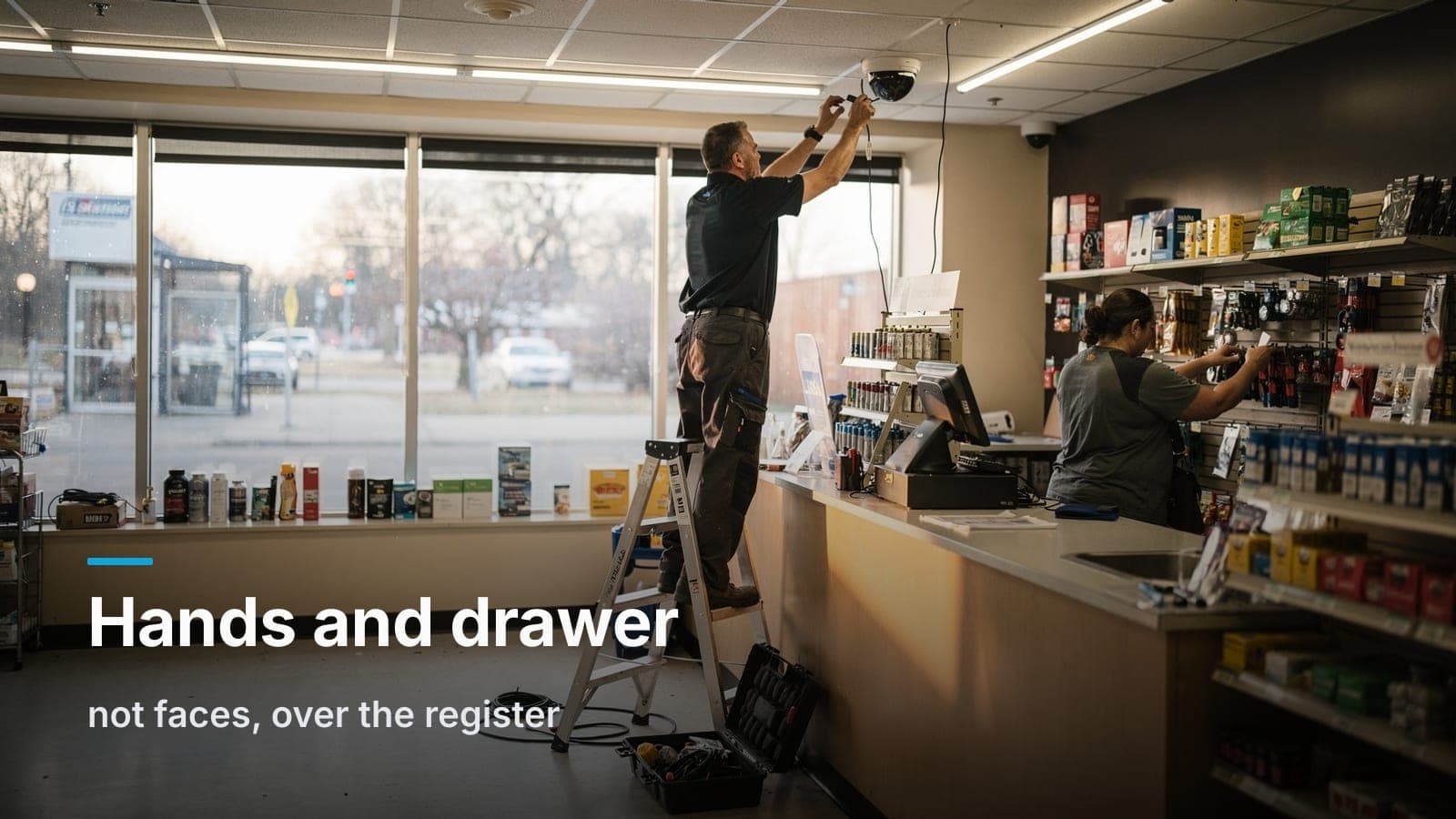
The single highest-value camera in a retail store is the one directly above the point of sale, tilted down at the counter. You want the drawer, the scanner, the counter surface, and the cashier's hands in frame. You do not need the cashier's face.
That sounds backwards until you've reviewed a sweethearting case. Face video tells you who was working — you already know that from the schedule. What you need is whether the item got scanned, whether cash went in the drawer or in a pocket, whether the "return" had merchandise attached to it, whether the coupon was in the customer's hand or already in the drawer. That's all a hands-and-drawer shot.
Mount it on the ceiling just customer-side of the register so the cashier's body doesn't block the drawer. A compact dome at 9–10 feet is usually right. Don't put it on the back wall behind the cashier — you'll get the back of a head and nothing else.
One camera per register lane. Shared angles across two lanes always compromise both.
2. Entry/exit — at eye level, for identification
This is the shot that gets used in a police report, and it's the one most stores get wrong. A camera in the corner of the ceiling at 12 feet gives you the top of a ball cap.
Put an identification camera on the inside of the entry, roughly 7 to 8 feet up, aimed back at the door at a slight downward angle so faces fill the frame as people walk in. If it's reachable, use a vandal-rated housing. If you have a glass storefront facing west — which describes half the retail in the Valley — you're fighting afternoon backlight, and you need a camera with real wide dynamic range plus an angle that isn't straight into the sun. Sometimes that means aiming across the entry instead of at it.
Shoppers walk in looking forward and walk out looking forward. One well-placed camera catches both directions. We covered this and several other common misses in 7 camera placement mistakes we fix in Treasure Valley businesses — the height problem is number one for a reason.
3. Stockroom door — the internal theft camera
Most retail shrink that isn't paperwork is internal, and internal theft moves through the door between the sales floor and the back. A camera watching that doorway — in the stockroom, looking at the door, not on the floor looking at it — tells you who went back, when, how long they stayed, and what was in their hands both directions.
This camera also settles a lot of "I was on break" questions without anyone having to accuse anybody.
4. Receiving door — the one nobody buys until it bites them
Back doors get propped. Deliveries get short-counted. Trash gets walked out with product under it. A camera covering the receiving door, both the interior side and enough of the exterior to see the vehicle, is the one I push hardest on with owners who think they're done.
If you can see the truck and the pallet on the ground, you can settle a vendor dispute with the distributor instead of eating it. That's not loss prevention theory, that's money.
5. The blind aisles
Every store has them: the high shelf that blocks sightlines from the counter, the back corner by the fitting rooms, the dead-end aisle with the small expensive stuff. Walk your floor at 5 PM on a busy Saturday and note where you can't see. That's your camera list.
For aisles, you want a wide overview shot that shows behind-the-shelf behavior — someone opening packaging, concealing, or handing off. You don't need to read a price tag. Two or three well-placed aisle cameras beat eight that all overlap the same open floor.
Where retail owners waste camera budget
- Parking lot cameras bought for identification. A camera 100 feet from a car gives you a colored blob, not a plate. If you want plates, that's a dedicated purpose-built camera and a specific mounting geometry — we wrote up what actually works for license plate capture. Otherwise, buy the lot camera for context and know that's what you're getting.
- Doubling up on the open sales floor. Big empty middle-of-store shots look impressive on a monitor and answer very few questions.
- Maximum resolution everywhere. Higher resolution costs storage, and storage is retention. I'd rather have 4MP cameras with 60 days of history than 8MP with 18 days. Match resolution to the job: identification shots get the detail, aisle overviews don't need it.
- A giant monitor wall behind the counter. A public view monitor at the entry — showing the shopper on camera as they walk in — is a real deterrent and worth doing. A nine-camera mosaic nobody watches is decoration.
- Audio without thinking it through. Idaho is a one-party consent state for recording conversations, but posted expectations and employment issues get complicated fast. Most retail systems I build record video only at the register, and that's fine.
Tie video to the point of sale
This is where a retail camera system stops being a security camera system and starts being a loss prevention tool.
POS integration overlays transaction data onto the video — item, price, void, no-sale, return, discount — and makes it searchable. Instead of scrubbing four hours of counter footage, you search "voids over $20" and get a list of clips. Cash-handling exceptions that took an afternoon to investigate take four minutes.
Honest caveat: POS-to-video integration is a real strength of platforms built for retail, and several of the subscription cloud camera vendors have polished, well-supported integrations with the major POS systems. If exception-based reporting is central to how you run the business — multiple locations, a real LP program, high transaction volume — that capability may be worth the per-camera monthly license, and I'll tell you so on the site walk.
If you're a single store with one or two registers, you usually don't need the integration. You need a clean overhead shot, timestamps, and the ability to find 2:47 PM last Thursday in about ten seconds. Every modern system does that.
Even without integration, a low-tech version works: if your POS emails or prints exception reports (voids, no-sales, returns), you have a timestamp. A timestamp is all you need to pull the clip.
Retention: survive the chargeback window
Retail has a deadline other businesses don't: the card chargeback.
A customer disputes a charge weeks after the fact. Your bank asks for evidence. Video of that person at your counter, at that time, with that merchandise, is strong evidence — if you still have it. Card network dispute windows commonly run out past 60 days from the transaction, and the notice reaches you well after the customer files.
So 30 days of retention, which is what a lot of stock systems default to, is often not enough for retail. I spec 60 days minimum, 90 when the budget allows, and I size storage for that number rather than hoping motion detection saves me.
A few things that stretch retention without buying more drives:
- Record the register cameras continuously; record aisle and overview cameras on motion.
- Drop frame rate on overview cameras. 10–15 fps is plenty for context. Keep the register at full rate.
- Use modern compression (H.265 / smart codecs). It's a large difference on mostly-static retail scenes.
Where that video lives — on a recorder in your back room or in a provider's cloud — is a real decision with tradeoffs both ways, and I walked through it in NVR vs. cloud storage for business cameras. For a single retail location, an on-site recorder with remote access is usually the best cost-per-day-of-retention. Just remember: if the recorder sits under the counter in plain view, someone can walk off with your evidence. Put it in a locked closet or a locked rack.
Give the manager access — not the admin login
The most common bad habit in small retail: one login, shared, written on a sticky note in the office, still active for the assistant manager who left in March.
Any system worth installing supports individual user accounts with real permissions. Set it up this way from day one:
- Owner — full admin. Can add users, change settings, delete footage.
- Store manager — live view and playback, can export clips. Cannot delete footage or change camera settings.
- Shift lead — live view only, maybe playback on the sales floor cameras, no access to the office or register cameras if that's your policy.
Each person gets their own account, and when they leave you disable that account in ten seconds without changing anything for anyone else. The audit log shows who viewed and exported what, which matters more than owners expect during an internal investigation — you want to be able to show that the footage wasn't touched by the person it implicates.
Same logic as physical keys, which is why a lot of shops end up rekeying the digital and the literal at the same time; if that's on your list too, access control vs. keys for a small office covers the tradeoff.
What cameras deter, and what they only document
I'd rather be straight with you than sell you a fantasy.
Cameras deter:
- Opportunistic shoplifting by people who'd rather not be recorded — especially with a visible dome, good lighting, and a public view monitor at the door.
- Casual employee theft. Everybody knows the register is on camera. Knowing is most of the effect.
- Vendor and delivery shortcuts at the back door.
Cameras only document:
- Organized retail theft. Crews that hit stores for a living know they're on camera and don't care. Your footage helps law enforcement connect them across stores — which is genuinely valuable — but it won't stop that day's loss.
- Determined internal theft. Somebody who's decided to steal will find the angle you don't cover. What the camera gives you is a clean, defensible record for termination and prosecution.
- After-hours burglary. Cameras record it. Locks, glass film, alarm, and lighting are what slow it down.
Cameras are one layer. Good hiring, tight cash procedures, a real cycle-count program, and merchandising that doesn't put high-value small items in the blind corner all do work that no camera does. The system's job is to make the truth findable when you need it.
A realistic starting package for a small store
For a typical 2,000–3,000 sq ft independent shop:
- One overhead camera per register
- One eye-level identification camera at the main entry
- One camera on the stockroom door
- One on the receiving/back door, covering interior and enough exterior for a vehicle
- Two to four aisle/blind-spot overviews
- Recorder in a locked closet, sized for 60+ days
- Individual user accounts, phone app for owner and manager
- Optional: public view monitor at the entry
That's usually 7 to 11 cameras. If you want a sense of what that translates to in dollars before you call anyone, we published what commercial camera installation really costs in Boise with honest ranges instead of a teaser number.
We build most of these on UniFi Protect — customer owns the hardware, no per-camera monthly license, cameras and network in one app. It's a good fit for independent retail where the monthly bill matters and the store isn't running a formal LP department. If you're a growing chain that needs multi-site exception reporting and POS integration out of the box, a subscription platform may serve you better, and we'll say so.
Frequently asked questions
Do I need a camera pointed at the safe or cash office?
Yes, if you have one. An overhead shot of the counting surface and safe door is the cleanest way to resolve a deposit discrepancy. Keep it on a separate permission level so floor staff can't view it.
Will my existing coax cameras work with a new system?
Sometimes. Analog-over-coax cameras can run through an encoder, but you're keeping old image quality and old failure modes. In most retail retrofits we pull new Cat6 to the camera locations — the walls are already open above a drop ceiling, and it's the last time you'll do it. More on that in our structured cabling work.
Can I watch my store from home on my phone?
Yes, on any modern system, including ours. Make sure remote access is set up with your own account and multi-factor authentication turned on — not by port-forwarding the recorder to the open internet, which is how camera systems end up on public streaming sites.
How do I know my cameras are still recording?
Check them. Most systems can email you when a camera goes offline or a drive fails, and that alert should go to a real person. We put a 15-minute quarterly routine in writing here: why security cameras fail exactly when you need them.
Is there anything I legally can't record in a retail store?
Bathrooms and fitting room interiors — never, under any circumstances. You can cover the entrance to a fitting room area. Employee break rooms are legally murkier and practically a bad idea. Post signage that the premises are under video surveillance; it helps with deterrence and with any dispute later.
If you want a straight read on where your store's blind spots are, we'll walk the floor with you, mark the shots that matter, and put a fixed number on it — request a site walk.