PoE Budget: Why Your Cameras Drop Offline After the Sixth One
· Erik Short
Quick answers
- Why do cameras drop offline at night specifically? Infrared illuminators and heaters kick on in low light, roughly doubling a camera's power draw, and that's when an undersized PoE switch runs out of budget.
- What's the difference between PoE, PoE+, and PoE++? They're power classes — PoE (802.3af) delivers up to 15.4W per port, PoE+ (802.3at) up to 30W, and PoE++ (802.3bt) up to 60W or 90W depending on type.
- How do I calculate a PoE budget? Add up the real max draw (not idle draw) of every device you're powering, then make sure the switch's total PoE budget — not just its per-port rating — covers that with headroom.
- Can I just add a PoE injector instead of a new switch? Yes, for one or two extra cameras an injector is a fine fix, but for a whole system it's cheaper and cleaner to size the switch right the first time.
- What size UniFi switch do I need for 8 cameras? Most 8-camera jobs need a switch with a PoE budget in the 150-250W range, not the 60-65W you get on budget 8-port switches.
The call we get every week
Somebody installed their own camera system, or a well-meaning handyman did it for them. Eight cameras, one switch, everything worked fine at the walkthrough in the middle of the day. Then a few weeks later: two or three cameras start dropping off the app overnight, or a PTZ camera stutters and reboots every time it pans. By the time we get the call, the owner is convinced the cameras are junk or the Wi-Fi is bad.
Almost every time, it's the switch. Specifically, it's a switch that says "PoE" on the box but doesn't have the power budget to actually run what's plugged into it.
This is the single most common self-install failure we see in Boise and Meridian offices, warehouses, and retail spaces. It's also one of the cheapest problems to avoid if you understand what's happening before you buy hardware.
PoE has a per-port rating and a total budget — they're different numbers
Every PoE switch has two specs that matter, and manufacturers bury the second one in the fine print:
- Per-port max wattage — how much power any single port can deliver.
- Total PoE budget — how much power the whole switch can deliver across all ports combined.
An 8-port switch might advertise "PoE+ on every port, up to 30W per port" and still only have a 60W total budget. Do the math: 60W split evenly across 8 ports is 7.5W per port. That's not enough for a single modern camera with IR, let alone eight of them. The per-port number is real, but only if you're using one or two ports. Load up the whole switch and the budget runs out fast.
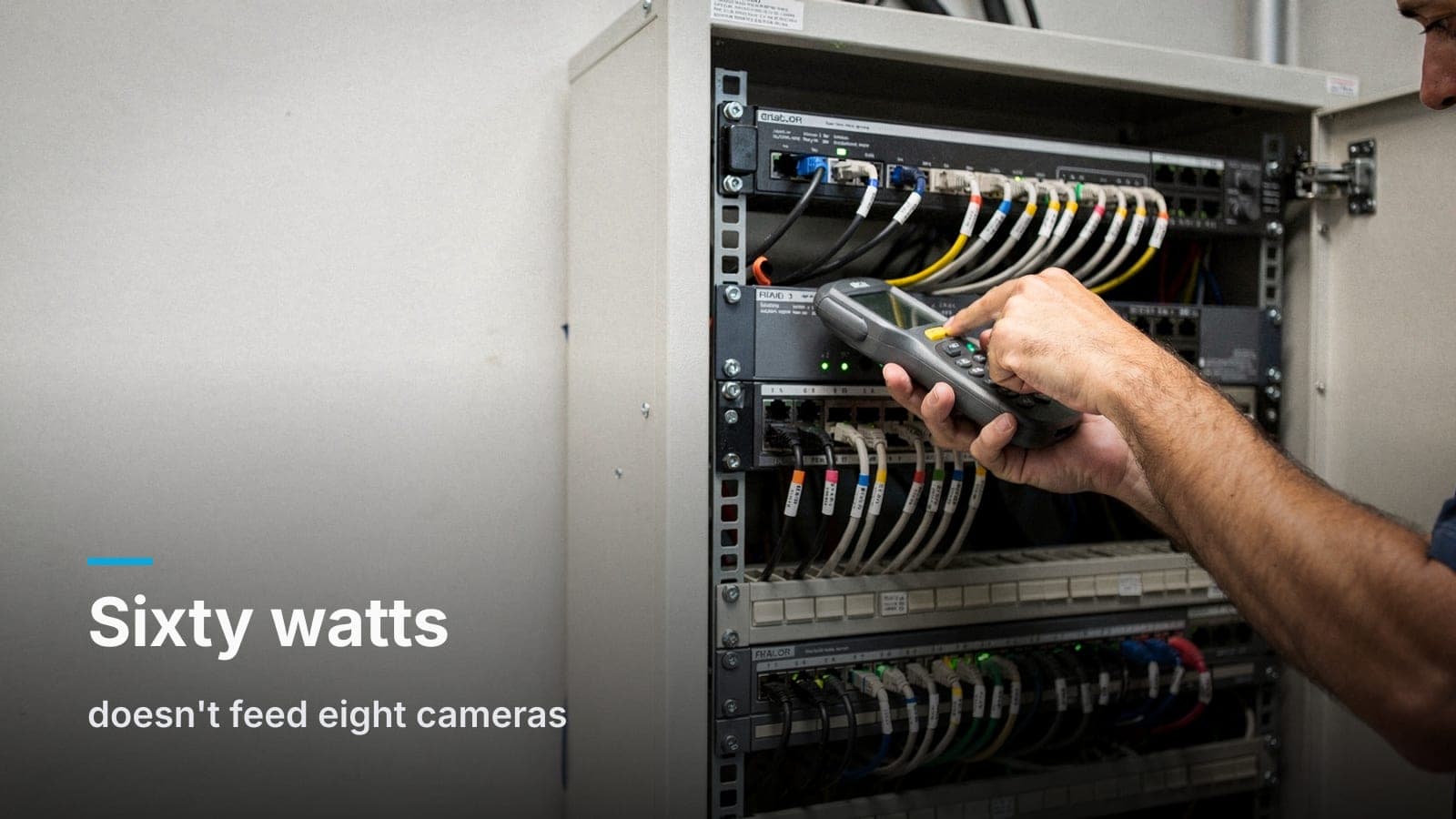
This is exactly the trap in the working title of this post: an 8-port switch with a 60W total budget, feeding eight cameras that each want closer to 10-12W under real conditions. During the day, when IR is off and draw is low, it can look fine. At night, it can't cover the load, so the switch starts shedding ports — usually the last ones it powered up, which is why it always seems to be "that one camera" or "those two cameras" that go dark.
The three PoE classes, in plain terms
| Standard | Common name | Max power at the port | Typical use |
|---|---|---|---|
| 802.3af | PoE | ~15.4W | Basic fixed cameras, IP phones, access points (older) |
| 802.3at | PoE+ | ~30W | Most modern fixed cameras with IR, mid-tier Wi-Fi APs |
| 802.3bt (Type 3/4) | PoE++ | 60W / 90W | PTZ cameras, cameras with heaters, some AV gear |
Two things to know here: first, "PoE" as a generic term on a box doesn't tell you which class you're getting — always check for the af/at/bt or the watt number. Second, the class only tells you what a port can deliver, not what the switch as a whole can deliver to every port at once. You need both numbers.
How to find out what your camera actually draws
The spec sheet number most people look at — "typical power consumption" — is usually measured with IR off, no heater, in good light, doing nothing. That's the best-case number, not the number that matters.
What actually drives draw up:
- IR illuminators at night — often the single biggest jump, sometimes doubling draw
- Built-in heaters on cameras rated for cold exterior mounting (relevant for anyone running cameras through a Treasure Valley winter)
- PTZ motors moving the camera, especially on startup or during a preset tour
- Audio and analytics processing running on-camera rather than on the NVR
Look for the "max power consumption" or "PoE class" line on the datasheet, not the typical/average line. If a camera lists both a class rating (like PoE+ Class 4) and a typical draw well below it, plan your budget around the class rating, not the typical number. It costs you a little headroom on paper. It saves you a truck roll in February.
Doing the actual math
Budgeting a switch isn't complicated, it's just skipped:
- List every PoE device going on the switch — cameras, access points, phones, intercoms, door controllers.
- For each one, use the max draw from the datasheet, not the typical draw.
- Add it all up.
- Compare that total to the switch's total PoE budget, not its per-port max.
- Leave headroom — we generally like to see the total load at no more than about 80% of the switch's rated budget, so a firmware update, a future camera add, or a cold night doesn't put you right at the ceiling.
Eight cameras at a realistic 10-12W max draw each land you around 80-95W. That already rules out most budget 60-65W "PoE" 8-port switches on the shelf at a big box store, and it's why those switches are the recurring villain in these service calls.
Switch or injector? When each makes sense
A PoE injector — a small standalone unit that adds power to a single Ethernet run — makes sense when:
- You're adding one or two cameras to an existing system that's already at capacity
- The run is long and you're troubleshooting a power-over-distance issue on a single port
- It's a temporary or low-priority location that doesn't justify a switch upgrade
A properly sized switch makes sense for basically everything else, including any new install with more than a couple of cameras. Injectors add a point of failure per device, more wall-wart clutter, and no visibility — a good switch gives you per-port status, power draw reporting, and the ability to manage the whole system from one place. For anything approaching a full camera system, that visibility is worth the switch cost most owners initially try to avoid.
Sizing a UniFi switch by camera count, roughly
We're a UniFi shop for the reason that comes up in almost every post we write: one ecosystem, no per-camera subscription, and network gear that reports back on itself instead of leaving you guessing. Without turning this into a spec sheet, here's the general shape of how we size switches by camera count on real jobs:
- Small offices, 4-8 cameras: an 8-port PoE+ switch with a genuine 120-150W-class budget usually has enough room, with headroom to spare for growth.
- Mid-size retail or office suites, 8-16 cameras: a 16 or 24-port switch with a 250W+ budget, especially if any cameras are PTZ or exterior with heaters.
- Warehouses, larger retail, multi-door access control: 24 or 48-port switches with layer-2/layer-3 features and 400W+ budgets, often split across an IDF closet or two rather than one long cable run back to a single switch.
The exact model matters less than confirming the published total PoE budget against your actual device list — that's the step self-installs skip, and it's the whole post in one sentence.
Where this connects to the rest of the system
PoE budgeting doesn't happen in isolation. It's tied to cable length and category (a topic we get into in our Cat6 vs. Cat6a comparison), and it's tied to how many devices you're actually running and why some of them keep failing at the worst possible moment, which we cover in more detail in why security cameras fail exactly when you need them. If you're still deciding what camera platform to build this network around in the first place, our honest take on UniFi Protect vs. cloud-subscription cameras is worth a read before you buy switches at all.
Frequently asked questions
Can a bad PoE budget damage my cameras?
Not usually — cameras are designed to brown out and reboot rather than take damage, which is exactly why the symptom is a camera dropping offline rather than failing permanently. It's annoying and it kills your video record right when something happens, but it's rarely destructive to the hardware itself.
Will a UPS fix cameras that keep rebooting?
A UPS protects against power outages, not against a switch that doesn't have enough PoE budget for its own load — it won't fix this problem, though it's still a good idea for a different reason: keeping your NVR and network running through a brief power blip.
Do PTZ cameras need their own dedicated switch?
Not necessarily a dedicated switch, but they do need to be counted at their true max draw, including motor movement, which is often higher than a fixed camera's IR-on number. Group them with headroom in mind rather than assuming they'll behave like a standard fixed camera.
How do I check how much PoE budget my switch has left?
Most managed switches, including UniFi, show live PoE draw per port and total consumption against budget in their management interface — check that before adding another camera rather than assuming there's room.
Is it worth paying more for a higher PoE budget switch upfront?
Almost always, yes — the price difference between a 60W and a 200W+ switch is small compared to the cost of a service call, and it buys you room to add cameras or an access point later without replacing hardware.
If your cameras keep dropping offline or you're planning a new system and want it sized right the first time, request a site walk and a fixed quote.