How Many Security Cameras Does a Warehouse Actually Need?
· Erik Short
Quick answers
How many security cameras does a warehouse need? Camera count scales with building size and door count. As a planning range, a 20,000 sq ft single-tenant building often needs 10–20 cameras, while a 100,000+ sq ft distribution facility usually runs 30–60.
What gets covered first? Every dock door, every man door, and the shipping/receiving office. Those are where product and people actually cross the property line.
Is it better to add more cameras or better cameras? Better placed cameras win almost every time; two well-aimed 4K cameras on a dock line beat six cheap ones aimed at the ceiling deck.
Do I need a camera in every aisle? No. You cover aisle ends and the cross-aisle, not every bay; full aisle coverage is a pick-verification project, not a security project.
Can I get a real count without a site walk? You can get a planning range from square footage and door count, but the actual number comes from standing in the building and looking at sightlines.
The honest answer: nobody can tell you over the phone
I get this call a couple times a month. "We've got a 30,000 square foot warehouse in Nampa: how many cameras?"
I can give a range. I can't give a number, and anyone who gives you a firm number over the phone is either guessing or selling you a package they already have in the van. A 30,000 sq ft building with four dock doors, 24-foot racking, and a fenced yard is a completely different job than a 30,000 sq ft building with one roll-up door, open floor storage, and street parking.
But the logic is consistent. Here's how I actually work a warehouse on a site walk, in order, so you can walk your own building and get close before anybody quotes you.
Camera count by warehouse size: planning ranges only
These are planning ranges, not quotes. Use them for budgeting conversations and to sanity-check a proposal that seems wildly high or low.
| Building size | Typical camera count | What's driving the number |
|---|---|---|
| Under 10,000 sq ft | 6–12 | Doors, one or two docks, small office |
| 10,000–30,000 sq ft | 10–20 | Dock line, aisle ends, parking, chokepoints |
| 30,000–75,000 sq ft | 18–35 | Multiple dock banks, longer aisle runs, yard |
| 75,000–150,000 sq ft | 30–60 | Full dock line, mezzanine, yard gates, trailer parking |
| 150,000+ sq ft | 50+ | Zone-by-zone design; treat each zone as its own building |
If a proposal for your 25,000 sq ft warehouse comes in at 45 cameras, ask what each one is for. If it comes in at five, ask what's covering the back door.
Step 1: Docks and doors, every single one
This is non-negotiable and it's where I start every warehouse walk.
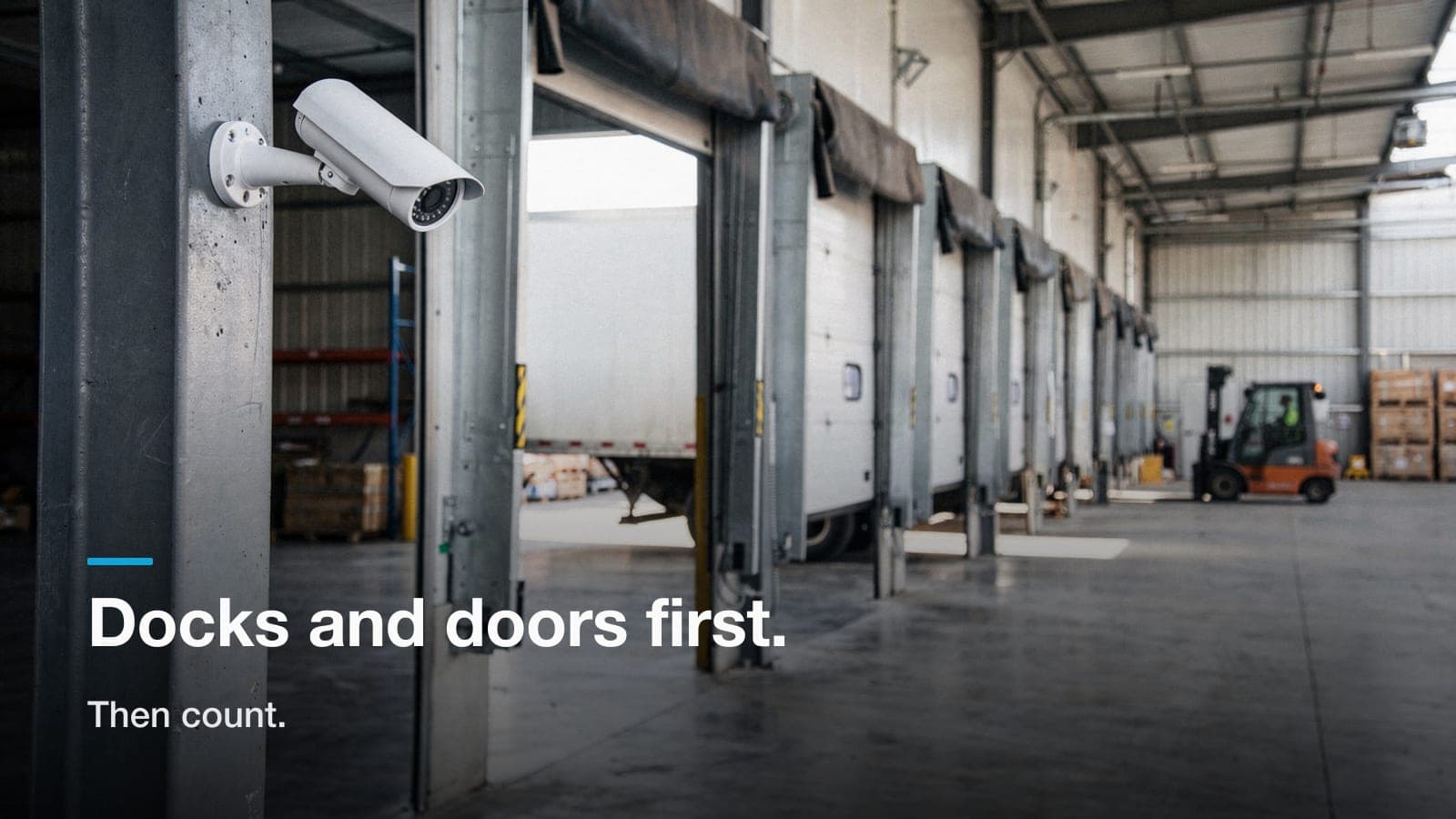
Dock doors. Product leaves through these. So does product that isn't supposed to leave. You want a camera that sees the interior side of each dock position. The trailer opening, the pallet, and the face of whoever's moving it. On a short dock bank (2–4 positions) one well-placed camera down the dock line can cover multiple doors, plus a second angle from the opposite end so a parked forklift doesn't blind you. On a long dock bank, budget roughly one camera per two to three positions, angled down the line rather than straight at the door.
Man doors. Every exterior pedestrian door gets a camera. Back doors, side doors, the smoke-break door nobody put on the drawings. These are where the small, expensive, easy-to-carry stuff goes out. A camera here should be mounted to get a usable face at 8–15 feet, not a bird's-eye of the top of a hat.
Shipping/receiving desk. Paperwork happens here, and paperwork is where inventory shrink gets papered over. One camera covering the counter and the door behind it.
Overhead/drive-in doors. If a truck or forklift can drive through it, cover both sides, inside and outside, if the budget allows. If it doesn't, cover the inside.
Count your doors right now. In most warehouses I walk, doors make up a big share of the final camera count. That's not padding. That's the actual job.
Step 2: Aisles and racking (cover the ends, not the bays)
Here's where people over-buy. A facilities manager walks 30 aisles of pallet racking and thinks 30 cameras. Then the quote comes back and the project dies.
Racking blocks sightlines. That's what racking does. A camera at one end of an aisle sees down that aisle and nothing else. So full coverage of a big rack farm means one camera per aisle, and that's a real number of cameras, mounts, and cable drops. It's also usually the wrong project.
What actually works:
- Cover the cross-aisle. Anyone who takes something out of an aisle has to come out of it. A camera watching the main cross-aisle or center drive catches the movement even if you didn't see the pick.
- Cover aisle ends where high-value SKUs live. Not all 30 aisles. The three or four that hold the expensive stuff.
- Cover the open floor and staging areas. Wide shots here earn their keep; staged outbound pallets, returns, the "we'll deal with it later" corner.
- Watch your mounting height. Above 20–25 feet you're looking at the tops of heads and the tops of pallets. If your ceiling is 32 feet, mount to the rack, a column, or a purlin at a usable height instead of the deck. Mounting height changes camera count more than resolution does.
If you genuinely need per-aisle coverage (high-value inventory, chronic unexplained shrink, pick-accuracy disputes with customers) that's a legitimate reason to spend the money. Just decide it on purpose instead of drifting into it.
Step 3: Yard, parking, and the fence line
Exterior is where camera counts get real, and where wide-dynamic-range and low-light performance matter more than megapixels.
- Trailer parking and drop yard. Cover the entry gate and the rows. Two or three cameras with good overlap usually beat six with none.
- Employee and visitor parking. One or two cameras covering the rows and the walking path to the door. Vehicle damage claims and after-hours activity both live here.
- Fence line and back corners. You don't need continuous coverage of a chain-link perimeter. You need the gates, the gaps, and the dark corner behind the dumpster where the copper wire disappears.
- Dumpster and scrap area. I bring this up on every walk and people laugh, and then two years later somebody's walking pallets of returns out to the dumpster for a buddy to pick up after hours. It's a real pattern.
Exterior cameras also drive cost beyond the camera itself: longer cable runs, conduit, pole or building-corner mounts, sometimes a remote switch in an enclosure. Two exterior cameras at the back gate can cost more installed than four interior cameras in the same building. Ask how the exterior runs are getting back to the rack before you compare bids.
Step 4: Interior chokepoints and the office
Last pass on the walk. These are the cameras nobody asks for and everybody ends up using:
- Warehouse-to-office pass-through door
- Stairs and mezzanine access
- Tool cage, parts room, cage-stock area
- Server/IT room door
- Break room entry (the entry, not the break room itself)
- Charging station for forklift batteries: expensive equipment, minimal supervision
Small camera count, high hit rate. In my experience these are the angles that actually get pulled when something goes missing, because they show who went where rather than what happened.
Resolution vs. count: the tradeoff that actually matters
The math that matters isn't megapixels. It's pixels per foot on the thing you care about.
Rough working numbers I use:
- ~20 px/ft: you can see there's a person. Good enough for open-floor and yard awareness.
- ~40 px/ft: you can recognize someone you already know, read a large label.
- ~80 px/ft or better: you can identify a stranger, read a plate, read a small label.
A 4K camera has roughly twice the horizontal pixels of a 1080p camera. Point it down a 60-foot dock line and you're spreading those pixels thin; the far end is awareness coverage, not identification coverage. The fix is usually a second camera from the other direction rather than a bigger sensor.
This is also why more cameras is often worse than better placed cameras. Every camera you add is another PoE port, another cable run, another lens to clean, another view to scroll past, and more storage. Twelve cameras that each have a job beat twenty-five that overlap the same open floor and miss the side door. When I hand a customer a design, I can tell them what each camera is for in one sentence. If I can't, it comes off the drawing.
A related trap: chasing every dark corner with more cameras when the real problem is lighting. A wall pack over the back door can do more for your footage than another camera. I've talked more than one customer out of two cameras and into a light.
What drives cost more than camera count
Camera count is the number everybody focuses on. Here's what actually moves the total:
- Cable pathway. Open bar joist and no ceiling? Fast. Finished office ceilings, fire-rated walls, or a tilt-up with no way across the middle? Slower, and lifts cost money.
- Ceiling height. Anything above about 20 feet means a lift or a boom, and lift time is real time.
- Exterior runs and conduit. Covered above. This is the big one.
- Storage retention. 30 days versus 90 days versus a year changes your recorder and drives, not your camera count. Decide retention early: it's a compliance and insurance question as much as a technical one.
- Occupied vs. new construction. Running cable in a running warehouse means working around forklifts and sometimes after hours. In new construction, getting your conduit and pathways in during the rough-in stage saves real money later; worth coordinating with your GC before drywall.
- Software licensing model. Some platforms charge per camera per year, forever. Some don't. Over five years that difference can exceed the hardware cost.
That last point matters more than most buyers realize at signing time. Subscription platforms like Verkada and Rhombus are good products, and for a multi-site operation with no IT staff they can be the right call. We build most warehouse systems on Ubiquiti UniFi Protect because you own the hardware and the recorder, there's no per-camera monthly license, and the cameras live in the same app as your network.
Rough example: a 40,000 sq ft Meridian-style warehouse
Say six dock doors, three man doors, 20-foot racking on half the floor, open storage on the other, small office, fenced side yard with a gate. Walking it the way I described:
- Dock line: 3 cameras (two down the line, one opposite angle)
- Man doors: 3
- Shipping/receiving desk: 1
- Cross-aisle and open floor: 3–4
- High-value aisle ends: 2
- Office/warehouse pass-through, IT room: 2
- Yard gate and trailer parking: 3
- Employee parking: 2
That's roughly 19–20 cameras, which sits at the low end of the 18–35 planning band for that size. Change one variable (add a second dock bank, or put 30-foot racking across the whole floor, or drop the fence) and it moves by four or five cameras in either direction. That's exactly why the walk matters.
Don't design cameras without designing the network
The camera system is a network appliance. Almost every warehouse camera project I've seen go sideways went sideways on infrastructure, not cameras: no clean path for cable, a switch without enough PoE budget, a recorder in a hot closet with no ventilation, or drops terminated badly enough that cameras drop off at random.
Plan for it up front:
- PoE budget and headroom on the switch: count total watts, not just port count
- Where the rack lives, and whether it has power, cooling, and room to grow
- Cat6 or Cat6a for runs under 100 m (328 ft); fiber plus a remote switch when you're crossing a big building or going outside to a pole
- UPS on the recorder and the switch, so a Treasure Valley summer brownout doesn't cost you a week of footage
If you're already planning cable for Wi-Fi, scanners, or printers, do the camera drops in the same pull. Cheaper by a wide margin. Our structured cabling work and camera work usually happen in the same trip for exactly that reason, and in an occupied warehouse, the scheduling question (after-hours pulls, working around forklift traffic) is worth raising on the walk.
A site walk beats a formula
Every rule of thumb in this post has an exception sitting in some building in Caldwell right now. A formula can't see that your racking layout changed last spring, or that the "secure" side gate has been zip-tied open for two years, or that there's already conduit stubbed to the back corner from a previous tenant that saves you real money.
What a walk gives you: a camera-by-camera drawing where each camera has a stated purpose, an honest note about which views are identification-quality and which are awareness-only, a real pathway plan, and a fixed number. Not a range; a fixed quote you can take to your ownership group.
If you want the count for your building instead of a band on a chart, we'll walk it with you and put it on paper. We cover Boise, Meridian, Nampa, Caldwell, Eagle, Star, Kuna, and Garden City, and the walk doesn't cost anything.
Frequently asked questions
How much video storage does a warehouse camera system need?
It depends on camera count, resolution, and how long you keep footage. As a rule, plan retention first (30 days is common, 60–90 days is typical where insurance or claims are a factor) and size the recorder and drives to that number. Motion-based and smart-detection recording stretches retention considerably in a warehouse that's quiet overnight.
Do warehouse cameras need to be on the same network as our business systems?
They don't need their own physical network, but they should be on their own VLAN. That keeps camera traffic off your business LAN, limits what a camera can reach if it's ever compromised, and makes troubleshooting much easier. Any competent integrator will set this up as a matter of course.
Will cameras alone stop warehouse theft?
Cameras document; they rarely prevent by themselves. What actually reduces internal shrink is cameras plus the boring stuff around them: lighting the dark corners, keeping exterior doors closed and controlled, and having someone actually review footage on a schedule instead of only after something goes missing. Video is the evidence layer. It works best when the physical and procedural layers are doing their share.
What about license plate capture at the gate?
It's doable, but it's a purpose-built camera at a purpose-built angle and distance, not a bonus feature of a general yard camera. If plate capture matters to you, say so on the walk so it gets designed in rather than hoped for.
Can we phase a warehouse camera project over two budget years?
Yes, and it's common. The trick is pulling the cable and sizing the switch, rack, and recorder for the full design in phase one, then adding cameras later. Infrastructure is the expensive part to revisit; cameras are easy to add to a port that's already there.
If you'd rather have a real count than a range, request a site walk and we'll put a fixed number on your building.